This task can be performed using Speechly
Turn your Voice into Email
Best product for this task

Speechly
productivity
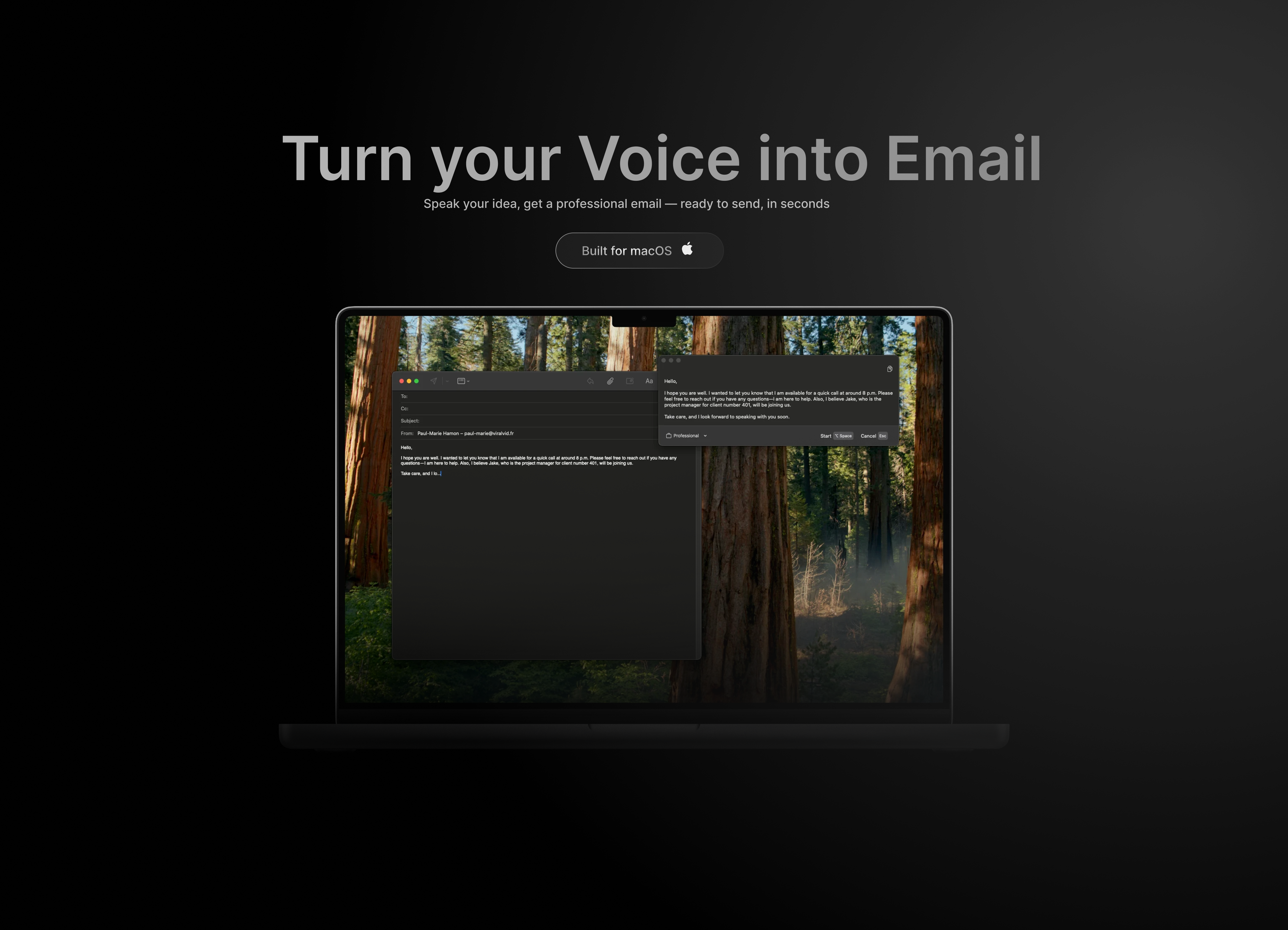
Speechly is your voice-powered email assistant. Just speak your thoughts and get a clean, structured, professional email ready to send in seconds. No typing. No overthinking. Just clarity, confidence, and serious time saved. Launch from two 18yo founders
What to expect from an ideal product
- Speak your email content naturally and Speechly automatically formats it into professional structure with proper paragraphs, greetings, and signatures
- Use voice commands like "new paragraph" or "add bullet point" to organize your email layout without touching the keyboard
- Say your thoughts out loud and the tool cleans up filler words, repetition, and awkward phrasing to create polished business communication
- Record your message once and get a complete email draft in seconds, saving time on writing, editing, and formatting
- Launch the voice assistant quickly to capture ideas when inspiration strikes, then get back a ready-to-send structured email

