This task can be performed using Masonry AI
Figma-like canvas for AI images and videos
Best product for this task

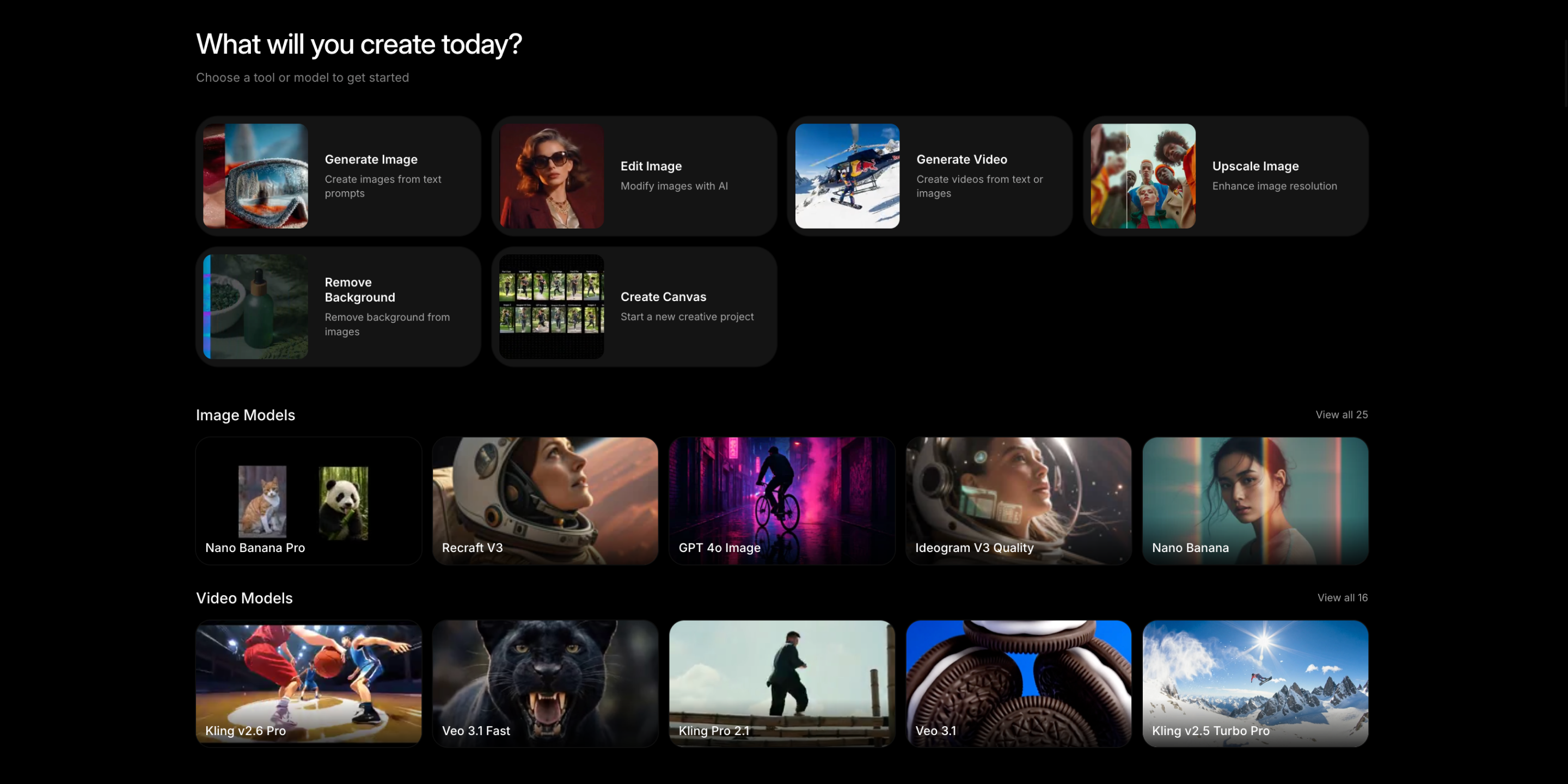
Masonry is an infinite canvas where you can generate, edit, and iterate on AI images and videos using all top AI image and video models - all in one place. Think Figma meets AI generation. Compare outputs from Kling, Veo, GPT Image 1.5, Ideogram, and Google Imagen side-by-side. Features visual storyboarding, image-to-video generation, character consistency, and platform-ready exports. Stop juggling subscriptions. One canvas, every AI model.
What to expect from an ideal product
- Drop images from Midjourney, DALL-E, and Stable Diffusion onto one shared canvas where you can arrange them side-by-side for instant visual comparison
- Generate new versions using different models directly on the same workspace without switching between multiple apps or browser tabs
- Create comparison grids by duplicating your prompt across models to see how each AI interprets the same request differently
- Use the infinite canvas to build comparison sheets with notes and annotations next to each generated image for easier decision making
- Save comparison projects as templates so you can quickly test future prompts against your preferred set of AI models using the same layout

