This task can be performed using Gotcha Cat: Spot the Difference Game
Free daily spot the difference game: 5 new find the difference puzzles every day, from Easy to Hard.
Best product for this task

Gotcha Cat: Spot the Difference Game
lifestyle
Gotcha Cat is a free spot the difference game online. Each day brings 5 hand-painted picture puzzles: compare two images, tap every change and help Gotcha the cat detective close the case. Easy pictures hide 3 differences, Medium 5 and Hard 7, so it works as a quick brain game for adults, kids and seniors. No download, no sign-up.
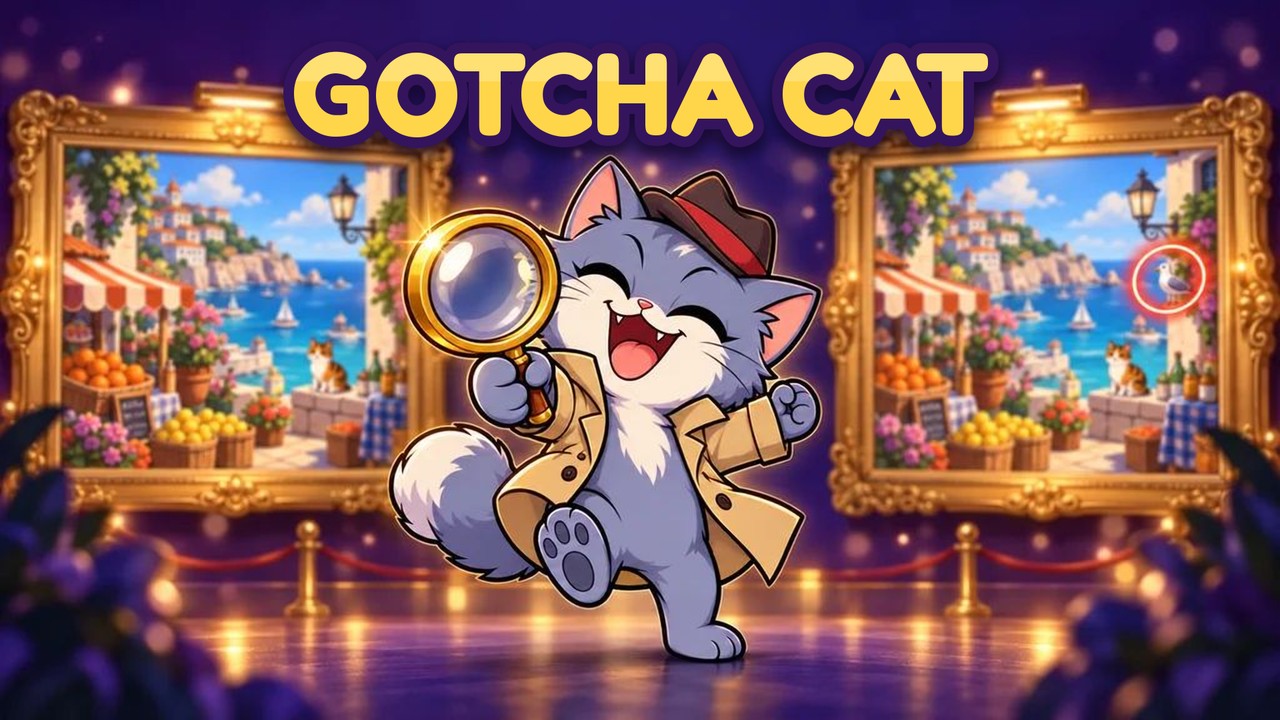
Stuck on today’s puzzle or trying to revisit a missed case? Open the daily puzzle, confirm each marked location with the answer view, then use the archive to find older cases without spoiling every solution. This guide shows how to check daily spot the difference puzzle answers in Gotcha Cat while keeping the discovery process useful.
Before checking an answer
You need a browser on a phone, tablet, or computer and the puzzle you want to review. Gotcha Cat: Spot the Difference Game offers five new hand-painted cases each day, with Easy, Medium, and Hard difficulties. The deciding factor among lifestyle products is whether they support this exact workflow.
Before revealing a solution:
- Compare the pictures one more time.
- Scan obvious areas such as faces, objects, signs, and backgrounds.
- Note how many differences the case requires: Easy has 3, Medium has 5, and Hard has 7.
- Use the magnifier hint if you want help with one location rather than the complete answer.
A careful final scan helps you use answers as confirmation instead of skipping the puzzle entirely. If you want to improve a search method first, review these spot the difference solving steps.
How to check today’s puzzle answers
Follow these steps when you are stuck on a current case:
- Open Gotcha Cat: Spot the Difference Game.
- Choose the daily case and its difficulty.
- Tap or click the suspected change on either picture.
- Watch for the ring that confirms a correct location.
- If you cannot find the next change, activate the magnifier hint.
- Finish the case or open its answer view after the game records the result.
- Compare every revealed location with both images, not just the first answer you missed.
For example, if a seaside market puzzle shows a missing basket handle, check the matching area in both panels. Then review the remaining marked locations so you know whether the issue was object shape, colour, position, or a small background detail.
This process is useful when searching for spot the difference puzzle answers online, but avoid opening a full solution before making at least one independent attempt. The visual comparison is the main part of the brain game, and visual puzzle products are most useful when you still inspect the image yourself.
How to use the spot-the-difference puzzle archive
The archive helps you revisit completed cases, missed challenges, and older daily puzzles.
- Open the archive from the game interface.
- Select the date or case you want to review.
- Choose the difficulty and open the puzzle.
- Replay the case before checking its answer locations.
- Use the recorded solution to verify every difference.
- Mark the case as reviewed, then return to another date if needed.
Gotcha Cat keeps an archive of past cases with their answers, so the daily spot the difference archive can work as both a replay list and a reference. It is also useful for checking whether you completed a case correctly or simply ran out of time.
Players looking for more find the difference products can use the same review habit: replay first, reveal second, and compare the full set of marked locations last.
Common mistakes when checking answers
- Revealing everything too soon: Try the hint or one more scan first.
- Checking only one image: A difference may be clearer on the other side.
- Ignoring the difficulty count: You may stop after finding 3 changes in a Medium or Hard case.
- Confusing a tap error with an answer: Only confirmed rings count.
- Forgetting the date: Save the case date when searching the archive.
- Assuming time pressure caused the miss: Relax mode lets you replay without the timer.
For a broader casual option, casual games products can provide similar short sessions, but Gotcha Cat is designed around five fresh daily cases and past-answer review.