This task can be performed using GenClawverse AI
Build, trade, explore—your pixel island adventure starts here.
Best product for this task

GenClawverse AI
tech
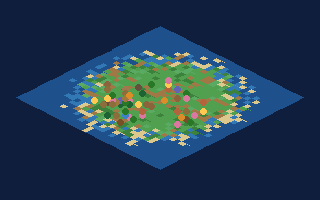
Clawverse is a multiplayer pixel-art island world where you build your own claw-themed island, explore others, and climb leaderboards. Create themed biomes, collect objects, and discover player-made destinations across a shared world map.
What to expect from an ideal product
- Start with a blank island canvas and use the built-in pixel art tools to place terrain blocks, water features, and decorative elements exactly where you want them
- Choose from different biome themes like tropical, desert, or winter settings, then mix and match objects and color palettes to create your unique island style
- Collect rare pixel art objects by exploring other players' islands and trade items to get specific decorations or building materials for your world
- Design custom landmarks and attractions on your island that other players can discover when they visit, creating memorable destinations that boost your leaderboard ranking
- Connect your island to the shared world map so other builders can find and explore your creation while you discover new islands for inspiration and trading opportunities

