This task can be performed using AI Renamer
Rename Your Files with AI
Best product for this task

AI Renamer
productivity
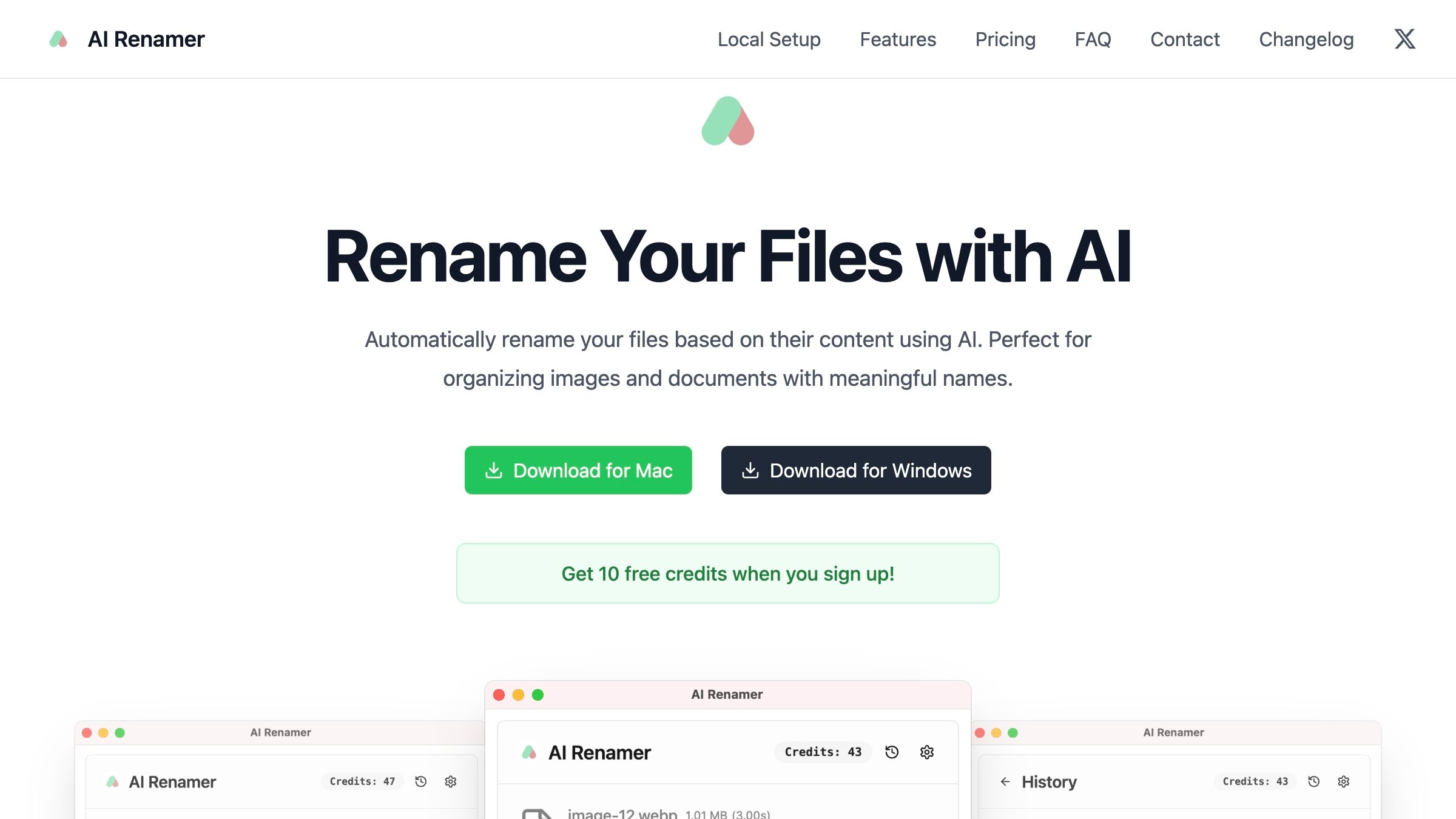
AI Renamer helps you rename files based on what's actually inside them, not just their old names. It works with images, PDFs, and text files. You can use it online or locally on your own device. Just upload your files, and it gives them clear, meaningful names. You can even guide the AI by typing a custom instruction like “Use the author and year for naming” or “Include file type and topic”, so your folders stay organized exactly how you like.
What to expect from an ideal product
- Analyzes what's actually inside your files instead of relying on messy original filenames to create proper batch names
- Works across different file types like images, PDFs, and text documents so you can rename mixed batches all at once
- Lets you set custom rules by typing instructions like "use date and subject" or "add project name first" to match your naming system
- Handles both online uploads and local files on your computer, giving you flexibility for different batch renaming workflows
- Automatically generates consistent, meaningful names for entire folders worth of files without manual work on each one

