This task can be performed using Cleanbox
Email aliases, AI spam filtering, and a full SMTP relay
Filter mail through aliases
This setup is for people who expose addresses through sign-ups, shopping, newsletters, or public contact forms, then need email aliases to separate senders without changing their primary inbox.
Incoming mail should enter through an alias, pass security and classification checks, follow sender-specific rules, and then reach the existing provider. A good outcome is less unwanted mail, clear control over forwarding, and no mailbox migration.
Best product for this task

Cleanbox
productivity
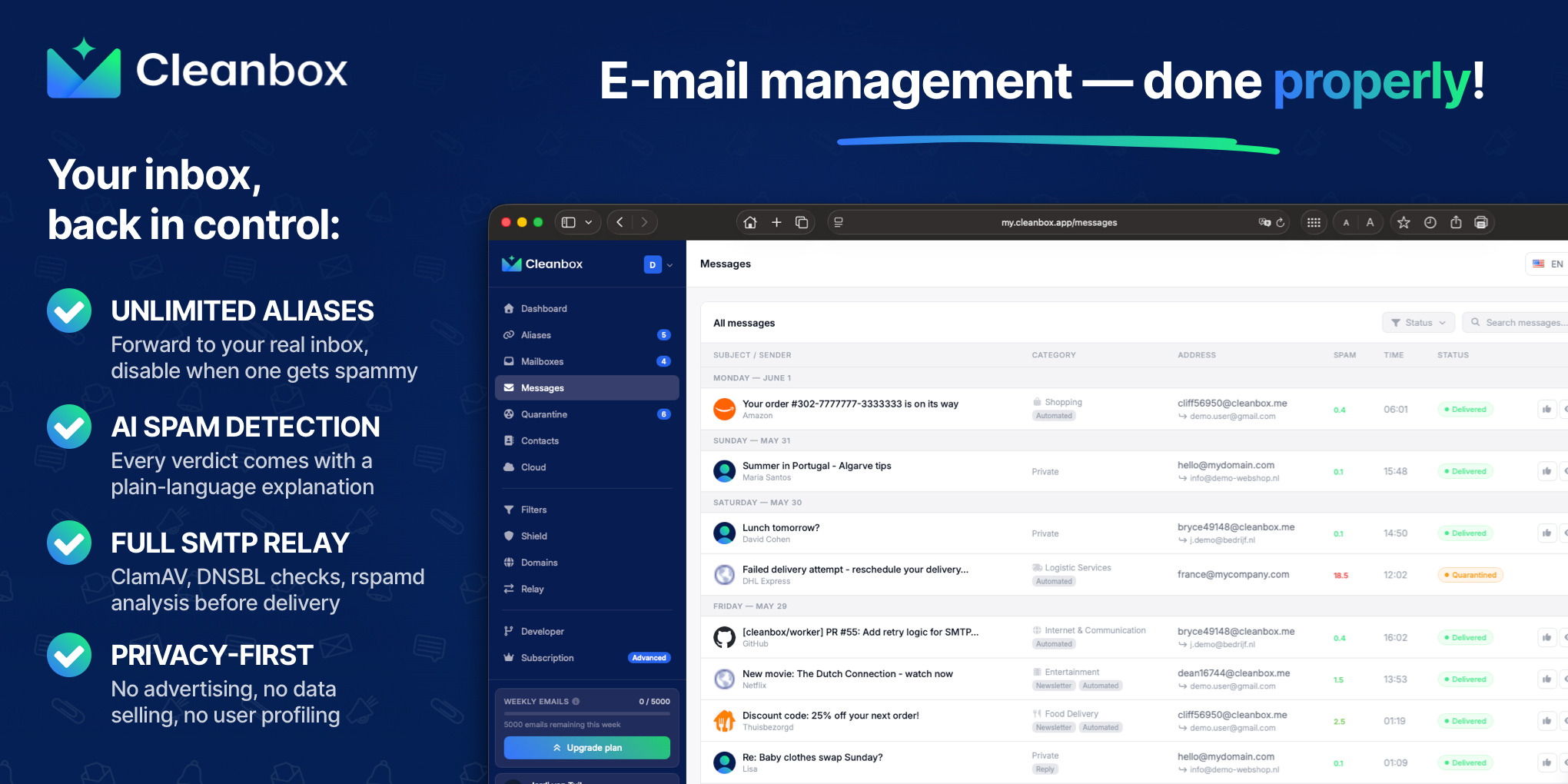
Cleanbox sits between the internet and your inbox. Every incoming email goes through spam scoring, virus scanning, AI classification, and your own rules before delivery. Create unlimited aliases that forward to your real inbox, build custom filters, and use Cleanbox as a complete SMTP relay. Works with Gmail, Outlook, iCloud, Yahoo, or any IMAP provider, no migration needed. Privacy-first: no advertising, no data selling, no user profiling.
What to expect from an ideal product
- Creates unlimited email aliases that forward to your existing inbox without requiring a mailbox migration
- Applies AI-based spam scoring and virus scanning to every inbound message before it reaches you
- Supports custom filtering rules so you control delivery logic beyond what automated classification provides
- Functions as a full SMTP relay, meaning outbound mail can also route through the service for consistent privacy
- Works with Gmail, Outlook, iCloud, Yahoo, and any IMAP provider, so no single-provider lock-in exists
More about testing the workflow
Evaluate both services with a short pilot using real aliases and representative messages. The goal is to verify spam filtering, rule behavior, and delivery before routing important mail.
- Create separate aliases for one newsletter, one purchase, and one public form.
- Record false positives, missed spam, delivery delays, and how quickly you can trace or disable an address.
- Confirm your current provider receives forwarded mail correctly, then test custom rules and SMTP relay if required.
More topics related to Cleanbox
Similar topics
- How to detect phishing, impersonation, spam, and malware before delivery
- How to set up an inbound SMTP relay with MX records and spam scanning
- Private Email Aliases That Forward to Your Existing Inbox
- How to put a spam-filtering security gateway before your inbox
- How to filter spam emails automatically before they reach your inbox

