This task can be performed using Cleanbox
Email aliases, AI spam filtering, and a full SMTP relay
Protect a founder inbox
This setup is for SaaS founders who publish contact details, test new tools, manage support addresses, or sign up for vendor accounts. The trigger is rising junk or uncertainty about who shared an address, making email aliases useful for separating each exposure.
A strong workflow assigns one alias per service or public role, screens every message before forwarding, and blocks or retires compromised aliases without changing the primary inbox. The outcome is less noise, clearer source tracking, and safer mail handling without a provider migration.
Best product for this task

Cleanbox
productivity
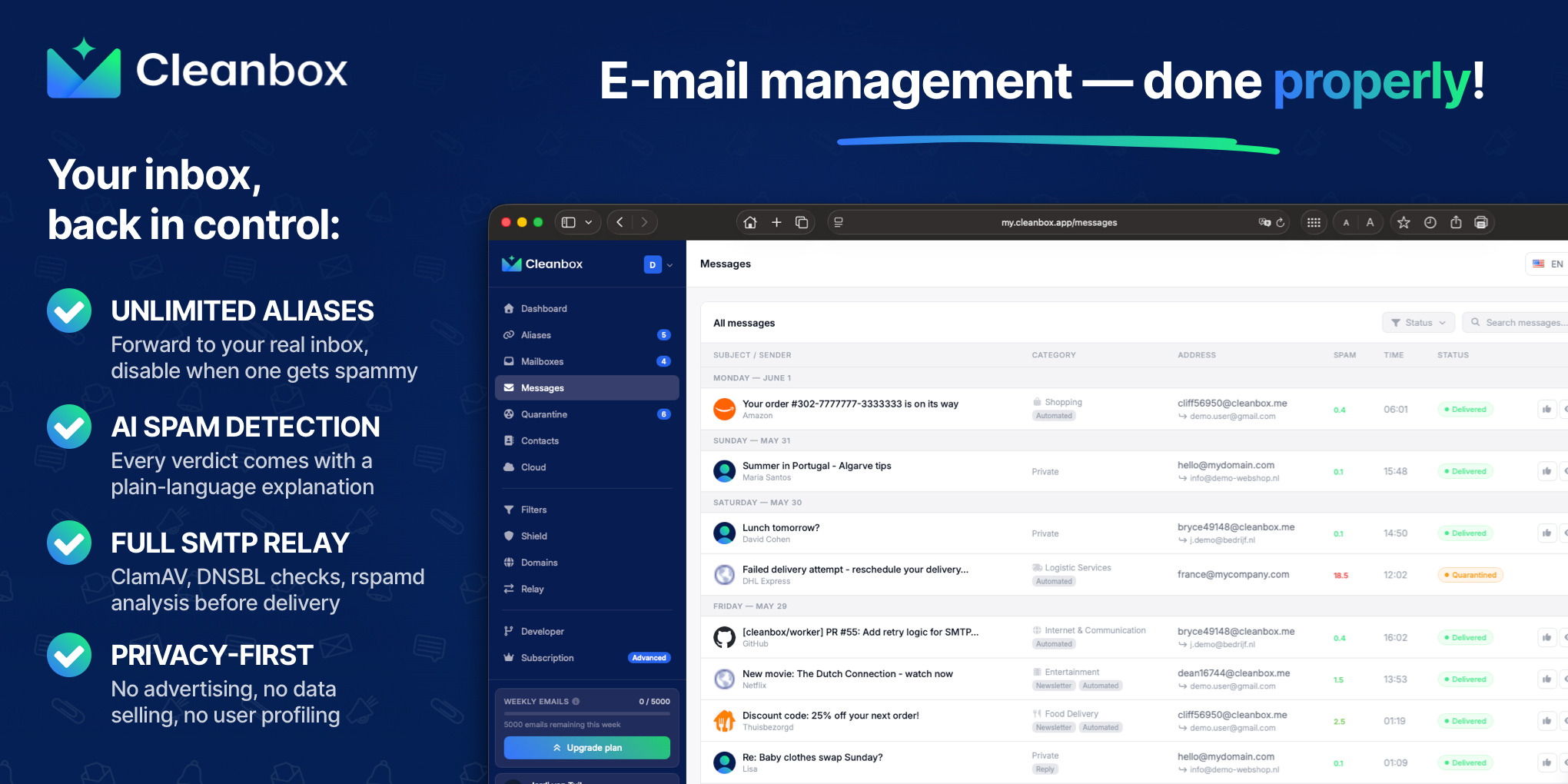
Cleanbox sits between the internet and your inbox. Every incoming email goes through spam scoring, virus scanning, AI classification, and your own rules before delivery. Create unlimited aliases that forward to your real inbox, build custom filters, and use Cleanbox as a complete SMTP relay. Works with Gmail, Outlook, iCloud, Yahoo, or any IMAP provider, no migration needed. Privacy-first: no advertising, no data selling, no user profiling.
What to expect from an ideal product
- Unlimited alias creation so every SaaS sign-up, integration, or vendor gets its own address without exposing your real inbox
- AI-based spam classification that learns context beyond simple keyword rules, reducing false positives that block legitimate lead emails
- SMTP relay support so outbound mail from your domain passes through the same system, keeping deliverability consistent
- Works with your existing Gmail, Outlook, or IMAP provider—no DNS migration or mailbox switch required to get started
- No advertising model or user profiling, which matters when your inbox contains customer contracts, investor threads, and financial data
More about alias structure
Design aliases around exposure and ownership, not convenience alone. A simple naming policy makes leaks easier to trace and keeps handoffs manageable as the company grows.
- Give each vendor, form, and public role a separate alias.
- Route high-risk aliases through stricter rules, then review false positives before tightening them.
- Use the SMTP relay for replies when the alias, rather than the primary address, should remain visible.
More topics related to Cleanbox
Similar topics
- How to detect phishing, impersonation, spam, and malware before delivery
- How to set up an inbound SMTP relay with MX records and spam scanning
- Private Email Aliases That Forward to Your Existing Inbox
- How to put a spam-filtering security gateway before your inbox
- How to filter spam emails automatically before they reach your inbox

