This task can be performed using Seedance 2
Seedance 2: The Future of Multimodal Video Creation
Best product for this task

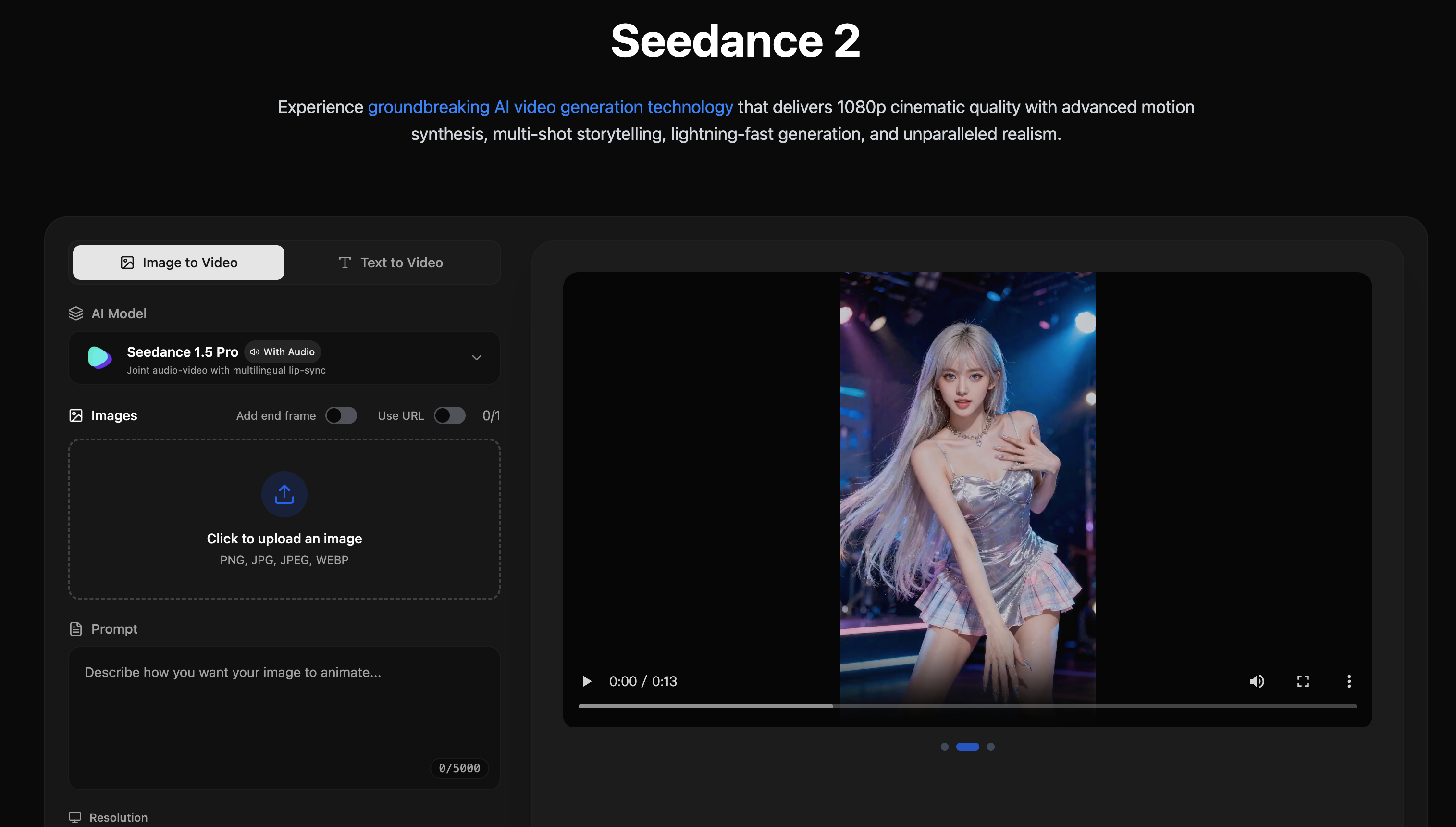
Seedance 2 is a powerful multimodal video generation model that supports text, image, video, and audio inputs, allowing creators to combine references freely and produce highly controllable, cinematic-quality videos.
What to expect from an ideal product
- Seedance 2 accepts a reference image alongside a text prompt, so you can anchor the visual style before generation even starts.
- The model handles text, image, video, and audio inputs in one pipeline, removing the need to stitch together separate tools.
- Creators get frame-level control over motion, pacing, and composition without writing complex scripts or prompts from scratch.
- Seedance 2 outputs cinematic-quality footage suitable for ads, short films, and social content without a production crew.
- If your reference image has a specific color grade or character look, Seedance 2 carries that consistency across the full generated video.

