This task can be performed using Hyperfocal
Stop spending hours tweaking sliders in Lightroom.
Best product for this task

Hyperfocal
tech
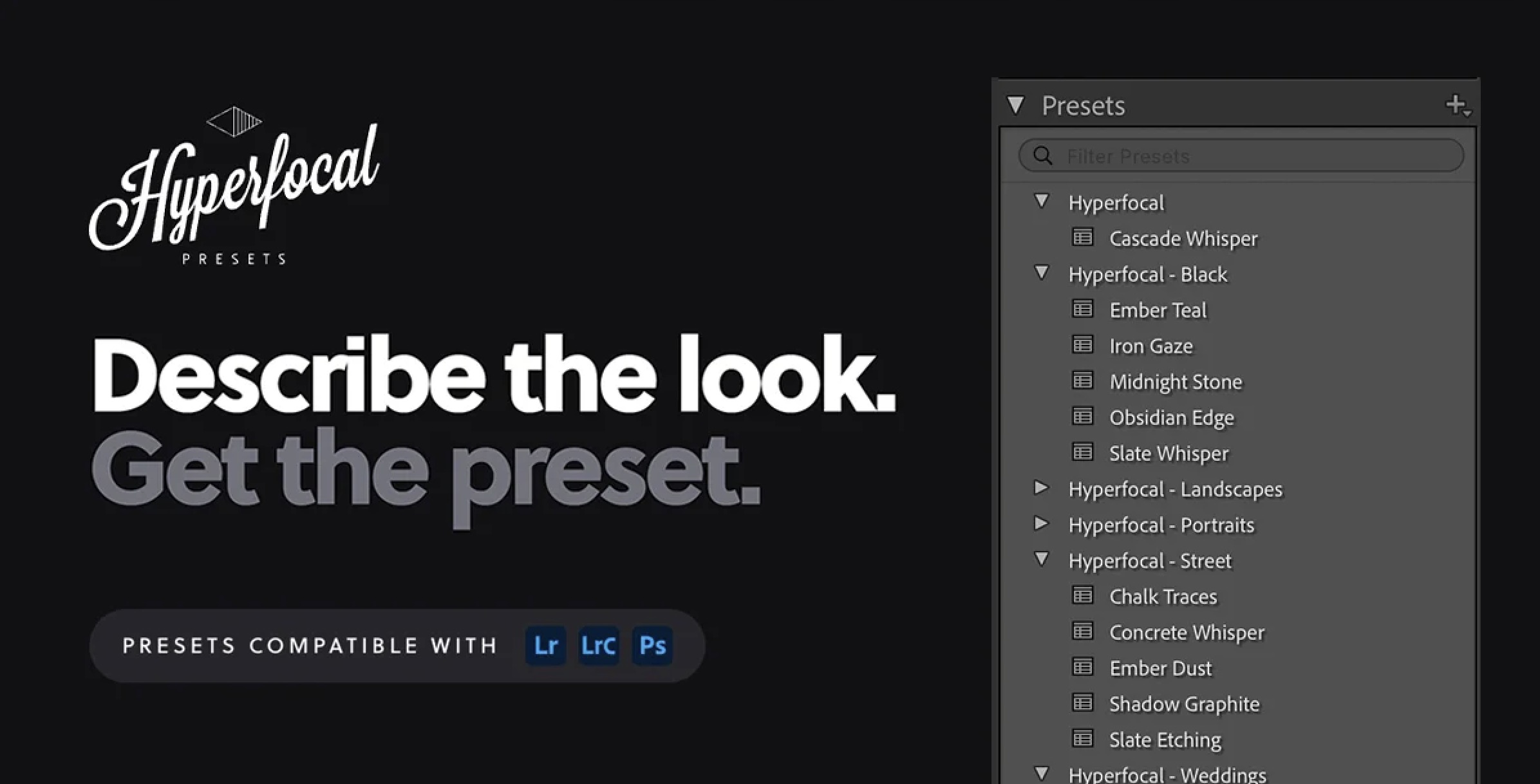
Describe the look. Get the preset. Stop spending hours tweaking sliders. Just tell us the style and adjustments you're after and we'll generate a custom XMP preset ready to drop right into Lightroom or Photoshop ACR.
What to expect from an ideal product
- Hyperfocal converts plain text style descriptions into ready-to-use XMP preset files without touching a single slider in Lightroom.
- Photographers who know the look they want but struggle to recreate it technically can now just write it out and get a working preset back.
- The generated XMP files drop straight into Lightroom Classic or Photoshop ACR with no extra steps or plugin installs required.
- Instead of reverse-engineering a reference photo for hours, you describe the mood, tones, or color grade and Hyperfocal handles the translation.
- Every preset is custom-built from your description, so you get targeted adjustments rather than a generic filter that barely fits your shooting style.

