This task can be performed using SocialPreviewing
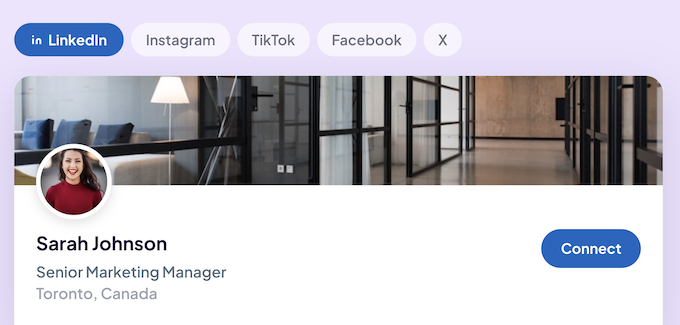
Preview profile photos, cover images and posts across social media platforms
Best product for this task

SocialPreviewing
social-tools
Upload your pfp, cover image or post and instantly preview them on tablet, mobile and desktop.
What to expect from an ideal product
- Upload your profile picture once and instantly see how it looks on mobile, tablet, and desktop before publishing anything live.
- Avoid the common mistake of posting a cropped or blurry pfp by previewing the exact display across different screen sizes first.
- SocialPreviewing shows you how your photo renders on real social media layouts, so there are no surprises after you go live.
- Works for profile pictures, cover images, and posts, so you can check your full social presence in one place before committing to any change.
- Saves you the back and forth of uploading, checking on your phone, spotting an issue, and starting over by front-loading the review process.

