This task can be performed using SocialPreviewing
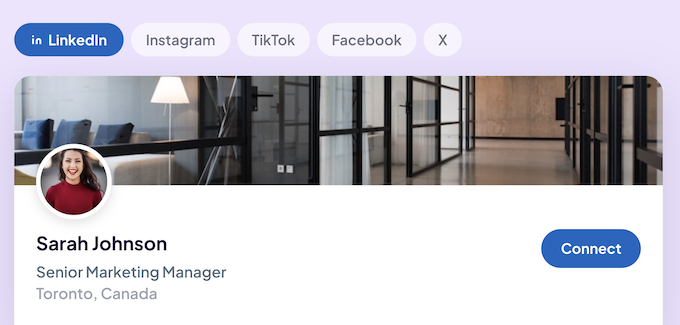
Preview profile photos, cover images and posts across social media platforms
Best product for this task

SocialPreviewing
social-tools
Upload your pfp, cover image or post and instantly preview them on tablet, mobile and desktop.
What to expect from an ideal product
- Upload your profile photo to SocialPreviewing and see exactly how it looks on Instagram, Twitter, LinkedIn and more before it goes live.
- Check your pfp on mobile, tablet and desktop in one place so you never get caught off guard by cropping or sizing issues.
- No more uploading and deleting photos five times. Preview once, get it right, then post with confidence.
- Works for profile photos, cover images and posts so you can review your full social presence before making anything public.
- Saves time for creators, job seekers and brand managers who need their profile to look sharp across every platform and screen size.

