This task can be performed using SocialPreviewing
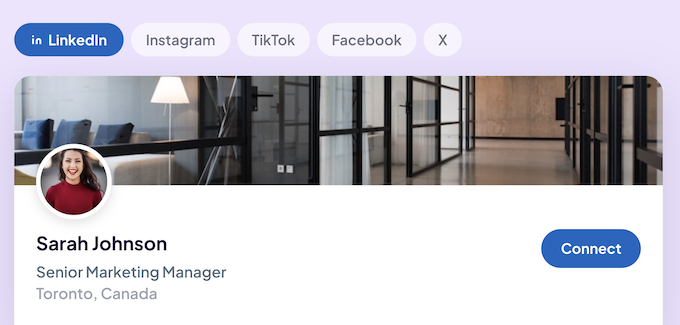
Preview profile photos, cover images and posts across social media platforms
Best product for this task

SocialPreviewing
social-tools
Upload your pfp, cover image or post and instantly preview them on tablet, mobile and desktop.
What to expect from an ideal product
- Upload your cover image to SocialPreviewing and instantly see how it looks on mobile, tablet, and desktop before publishing anything.
- Cropping issues and cut-off text are the most common cover image mistakes, and previewing across screen sizes catches both before they go live.
- SocialPreviewing shows you the exact frame each platform uses, so you stop guessing which part of your image actually displays.
- No more uploading, checking on your phone, logging back in to fix it, and repeating. You preview everything in one place first.
- A cover image that looks sharp on desktop often looks broken on mobile. SocialPreviewing closes that gap without any design tool required.

