This task can be performed using Talat
The private meeting notes app.
Best product for this task
Talat
ai
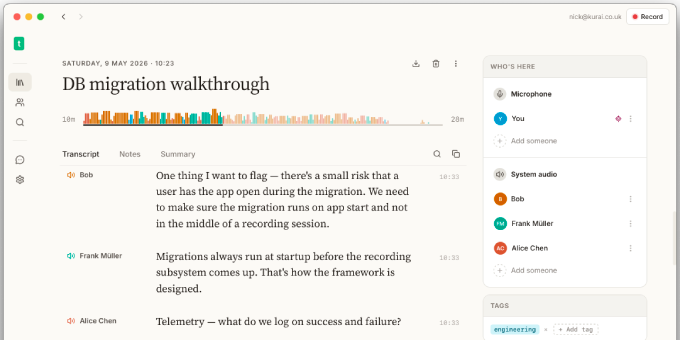
Stay present in remote calls and in-person meetings while talat transcribes them in real time, using 100% on-device AI. Export your notes, transcripts, and summaries to Markdown, PDF, webhooks, or any MCP-aware AI assistant.
What to expect from an ideal product
- Use talat's real-time transcription to capture every word spoken during your meeting while you focus on the conversation instead of frantically writing notes
- Let the app automatically generate meeting summaries so you can review key points later without worrying about missing crucial details during the discussion
- Export your complete transcripts to PDF or Markdown format to share with team members who couldn't attend or need a detailed record of what was discussed
- Keep your meeting data private with 100% on-device AI processing, ensuring sensitive business conversations never leave your computer
- Send meeting notes directly to your preferred AI assistant or workflow tools using webhooks, making it easy to turn discussions into actionable tasks

