This task can be performed using Screenshot Scout
Screenshot API for clean, production-ready screenshots of any URL.
Best product for this task

Screenshot Scout
dev-tools
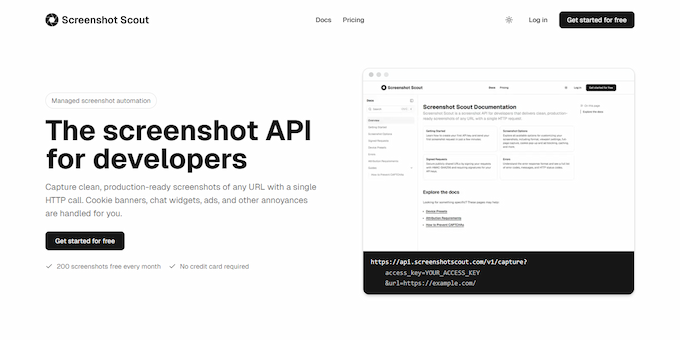
Screenshot Scout is a screenshot API for developers that captures clean, production-ready screenshots of any URL with a single HTTP call. It automatically removes cookie banners, chat widgets, ads, and other overlays. Choose device emulation, customize the viewport, or capture full pages, specific selectors, or a page area. Before capture, you can hide or click elements, choose request location, inject custom CSS or JavaScript, and toggle dark mode. No SDKs required.
What to expect from an ideal product
- Make a single HTTP request to Screenshot Scout's API with the URL you want to capture and it will automatically remove cookie banners, chat widgets, and ads that clutter your screenshots
- Use the hide elements feature to specify which page components should be invisible during capture by targeting them with CSS selectors or element IDs
- Inject custom CSS through the API to set display:none or visibility:hidden on any unwanted elements like promotional popups or notification bars before the screenshot is taken
- Configure the API to click dismiss buttons on overlays and modals automatically, clearing them from view without manual intervention
- Add custom JavaScript code that runs before capture to dynamically hide elements based on page conditions or user preferences

