This task can be performed using Screenshot Scout
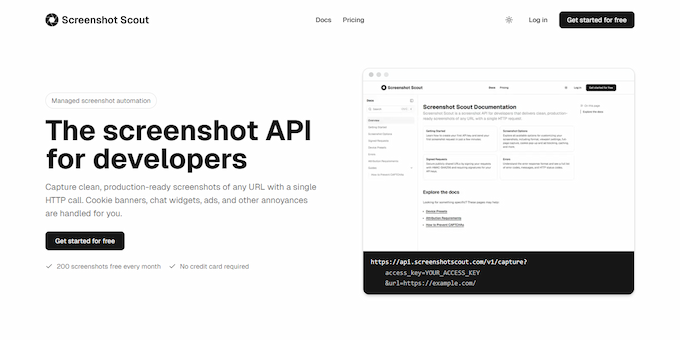
Screenshot API for clean, production-ready screenshots of any URL.
Best product for this task

Screenshot Scout
dev-tools
Screenshot Scout is a screenshot API for developers that captures clean, production-ready screenshots of any URL with a single HTTP call. It automatically removes cookie banners, chat widgets, ads, and other overlays. Choose device emulation, customize the viewport, or capture full pages, specific selectors, or a page area. Before capture, you can hide or click elements, choose request location, inject custom CSS or JavaScript, and toggle dark mode. No SDKs required.
What to expect from an ideal product
- Makes a single HTTP call to capture any website screenshot while automatically filtering out cookie pop-ups, ads, and chat widgets in the background
- Lets you hide specific page elements or click through overlays before taking the screenshot, so you get exactly what you want without manual cleanup
- Captures screenshots from different device types and screen sizes while keeping all the annoying banners and promotional content out of the final image
- Takes full-page screenshots or focuses on specific page sections without including cookie notices or advertising that normally clutters the view
- Runs custom code on the page before screenshotting to remove persistent overlays, inject clean styling, or interact with elements that block the main content

