This task can be performed using Thunder Compute
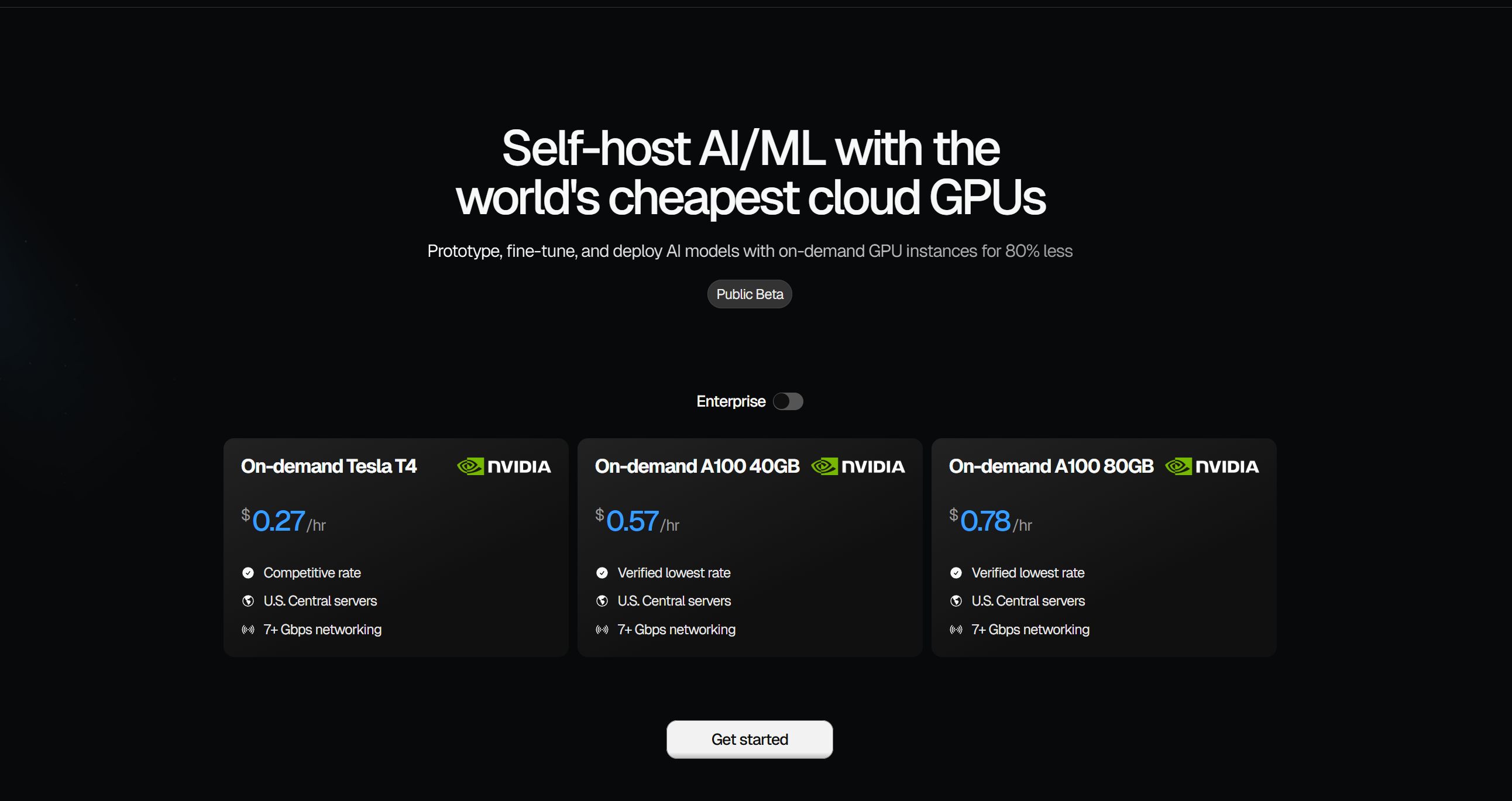
One-click GPU instances for 80% less
Best product for this task

Thunder Compute
cloud
Spin up a dedicated GPU in seconds. Develop in VS Code, keep data safe, swap hardware anytime.
What to expect from an ideal product
- Connect your VS Code directly to Thunder Compute's cloud GPUs so your development environment stays intact during hardware changes
- Store all your project files and data on Thunder Compute's persistent storage that remains accessible regardless of which GPU you're using
- Switch between different GPU models through the dashboard while your running processes automatically migrate to the new hardware
- Save your current workspace state before swapping, then restore it instantly on the new GPU without reinstalling dependencies or losing configurations
- Use Thunder Compute's snapshot feature to freeze your work progress at any point, making hardware transitions completely seamless

