This task can be performed using Thunder Compute
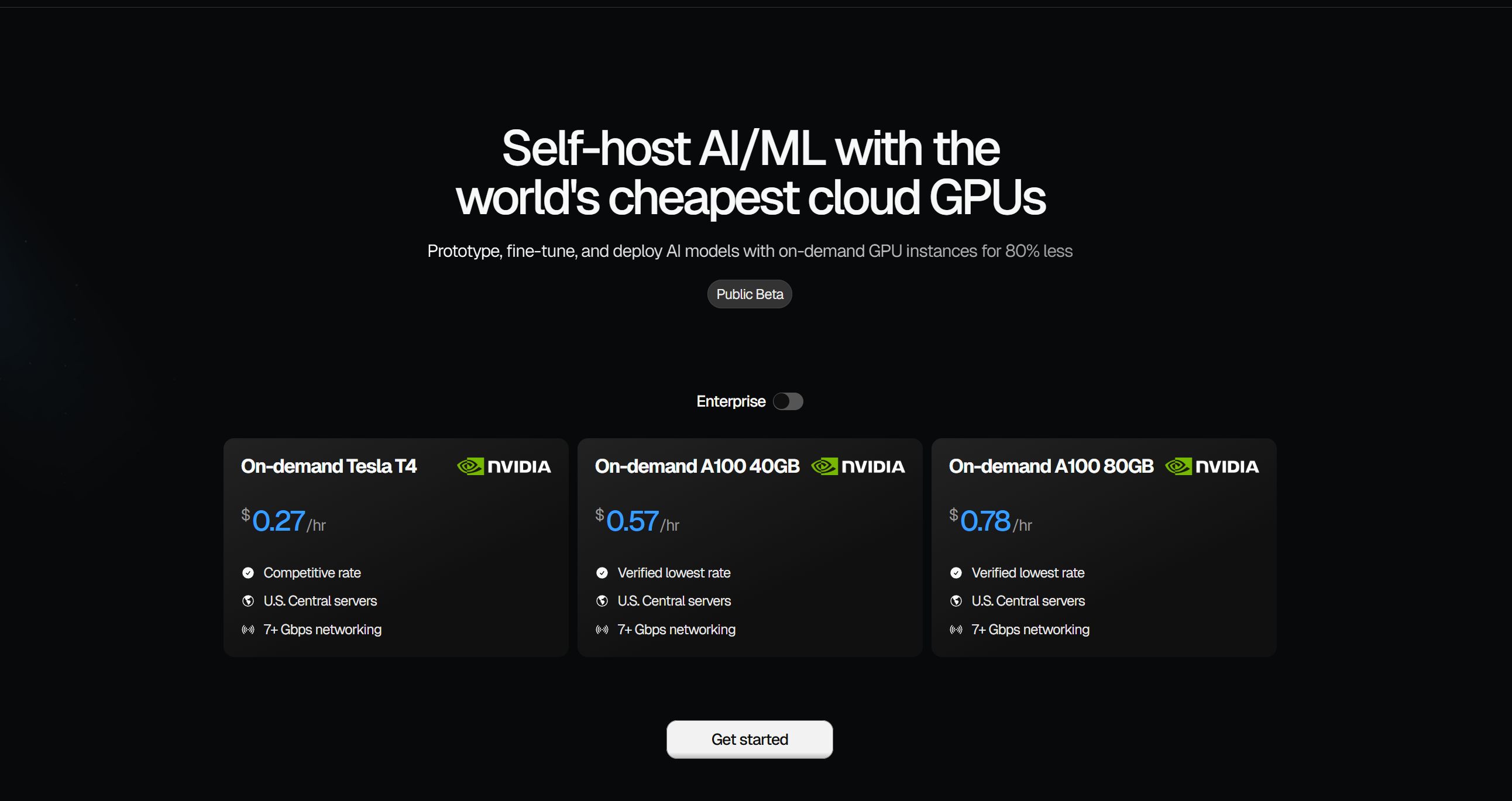
One-click GPU instances for 80% less
Best product for this task

Thunder Compute
cloud
Spin up a dedicated GPU in seconds. Develop in VS Code, keep data safe, swap hardware anytime.
What to expect from an ideal product
- Launch a remote GPU server in seconds and connect VS Code directly to it so your code runs in the cloud instead of your local machine
- Keep all your project files and data stored securely on cloud servers where they're automatically backed up and protected from hardware failures
- Switch between different GPU configurations without losing any work since everything stays in the cloud when you swap hardware
- Code from any device by connecting VS Code to your cloud workspace while your data remains safely stored on remote servers
- Avoid the risk of losing work from laptop crashes or theft since all development happens on dedicated cloud infrastructure

