This task can be performed using Ping Tasks
AI To-Do List. Create tasks from voice & emails.
Best product for this task

Ping Tasks
productivity
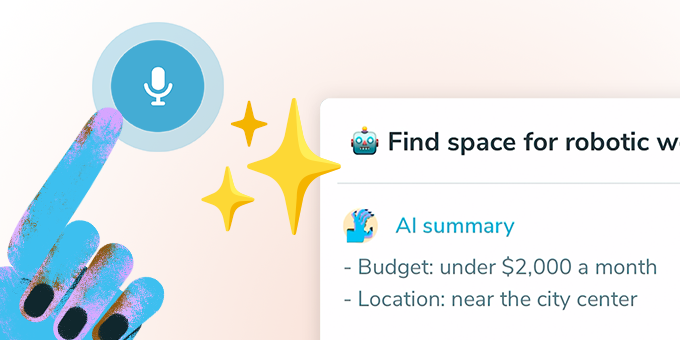
Dictate tasks and AI will note them down with the correct title, deadline, and reminder — plus, it summarizes them for you! Ping integrates with Gmail and Slack to capture tasks, converting them into actionable items. Focus on your own tasks in your private view and collaborate using Kanban Boards.
What to expect from an ideal product
- Speak a task out loud and Ping Tasks pulls out the title, deadline, and reminder automatically, no typing or editing needed.
- Connect your Gmail or Slack account and Ping Tasks converts incoming messages into structured to-do items before they slip through the cracks.
- Every dictated task gets a plain-language summary so you always know what was captured and what action is expected.
- Switch between a private personal view for focused solo work and a shared Kanban board when you need your team to see progress.
- Stop setting reminders manually, Ping Tasks uses AI to read the context of your words and schedule the right deadline the first time.

