This task can be performed using Side Space 2.0
#1 AI Assistant for Your Tabs
Best product for this task

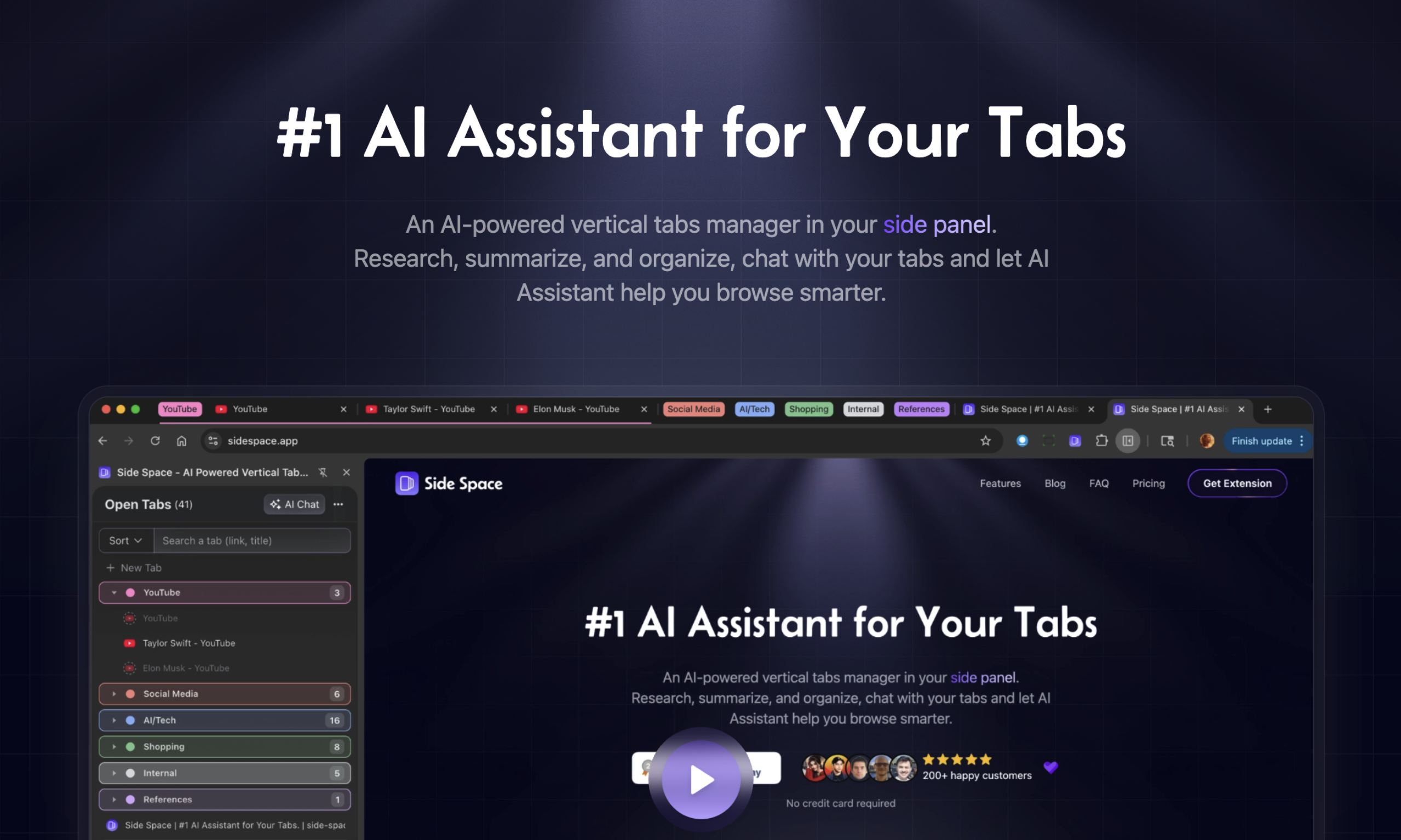
An AI-powered vertical tabs manager in your side panel. Research, summarize, and organize, chat with your tabs and let AI Assistant help you browse smarter.
What to expect from an ideal product
- Side Space 2.0 moves your tabs into a clean vertical list inside the browser side panel, so you stop losing track of what you have open across dozens of horizontal tabs.
- The built-in AI chat lets you ask questions about any open tab and get a direct answer without copying text into a separate tool.
- You can summarize a webpage, compare information across multiple tabs, and organize your research session without leaving your browser window.
- Setting up the vertical tab manager takes under two minutes and works directly from the side panel without changing how your browser already handles tabs.
- Researchers, students, and heavy browser users replace their tab overload habit with a structured workflow where AI helps them extract and act on information faster.

