This task can be performed using Side Space 2.0
#1 AI Assistant for Your Tabs
Best product for this task

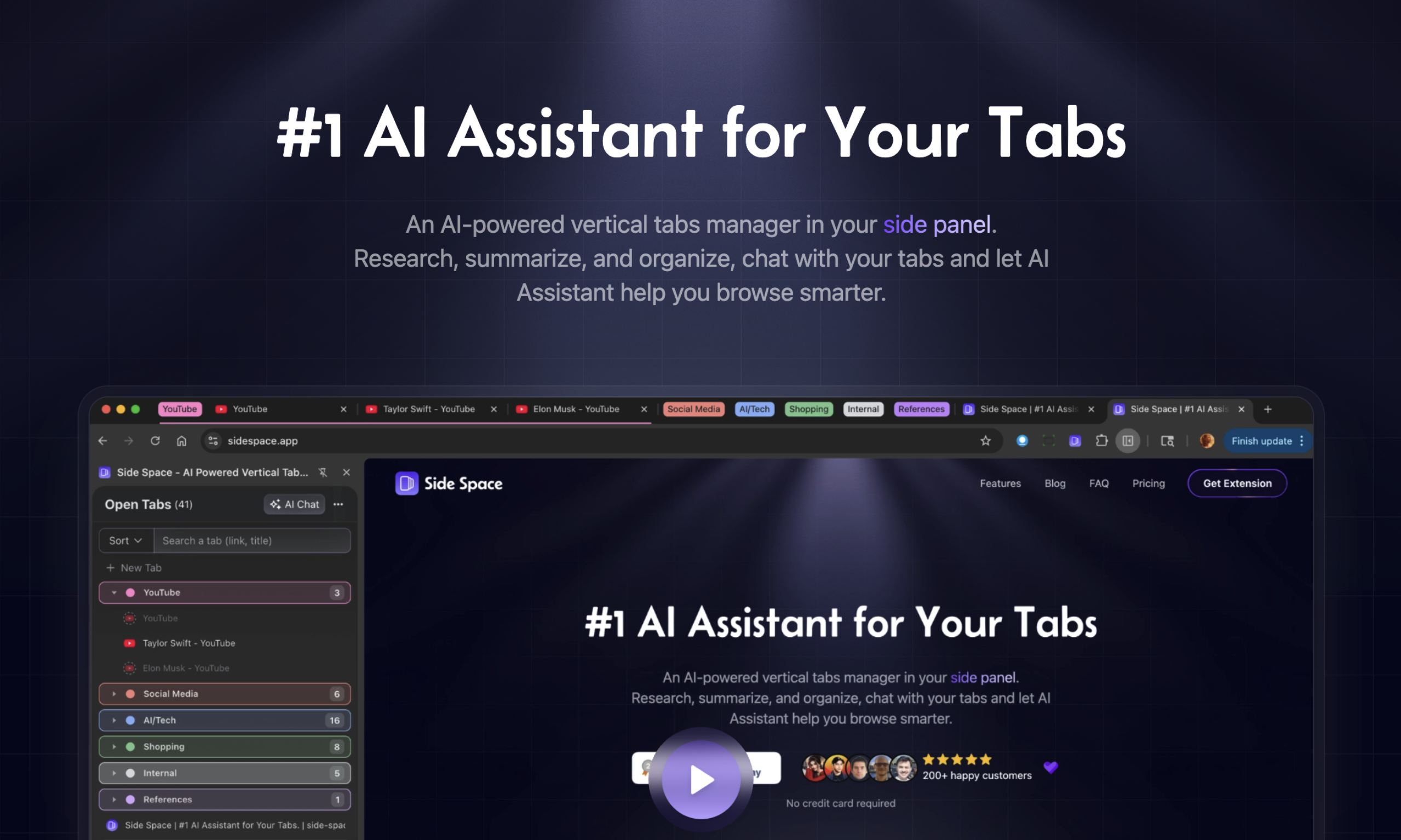
An AI-powered vertical tabs manager in your side panel. Research, summarize, and organize, chat with your tabs and let AI Assistant help you browse smarter.
What to expect from an ideal product
- Group related tabs automatically by topic so you can focus on one project at a time without getting lost in dozens of open pages
- Get instant summaries of any webpage without reading through everything, helping you quickly decide which tabs are worth keeping open
- Chat directly with your tabs to ask questions about the content, making research faster than switching between multiple pages
- Organize tabs vertically in a side panel instead of cramped horizontal tabs, giving you more space and better visibility of what's open
- Let the AI assistant suggest which tabs to close or bookmark based on your browsing patterns, preventing tab overload before it happens

