This task can be performed using Side Space 2.0
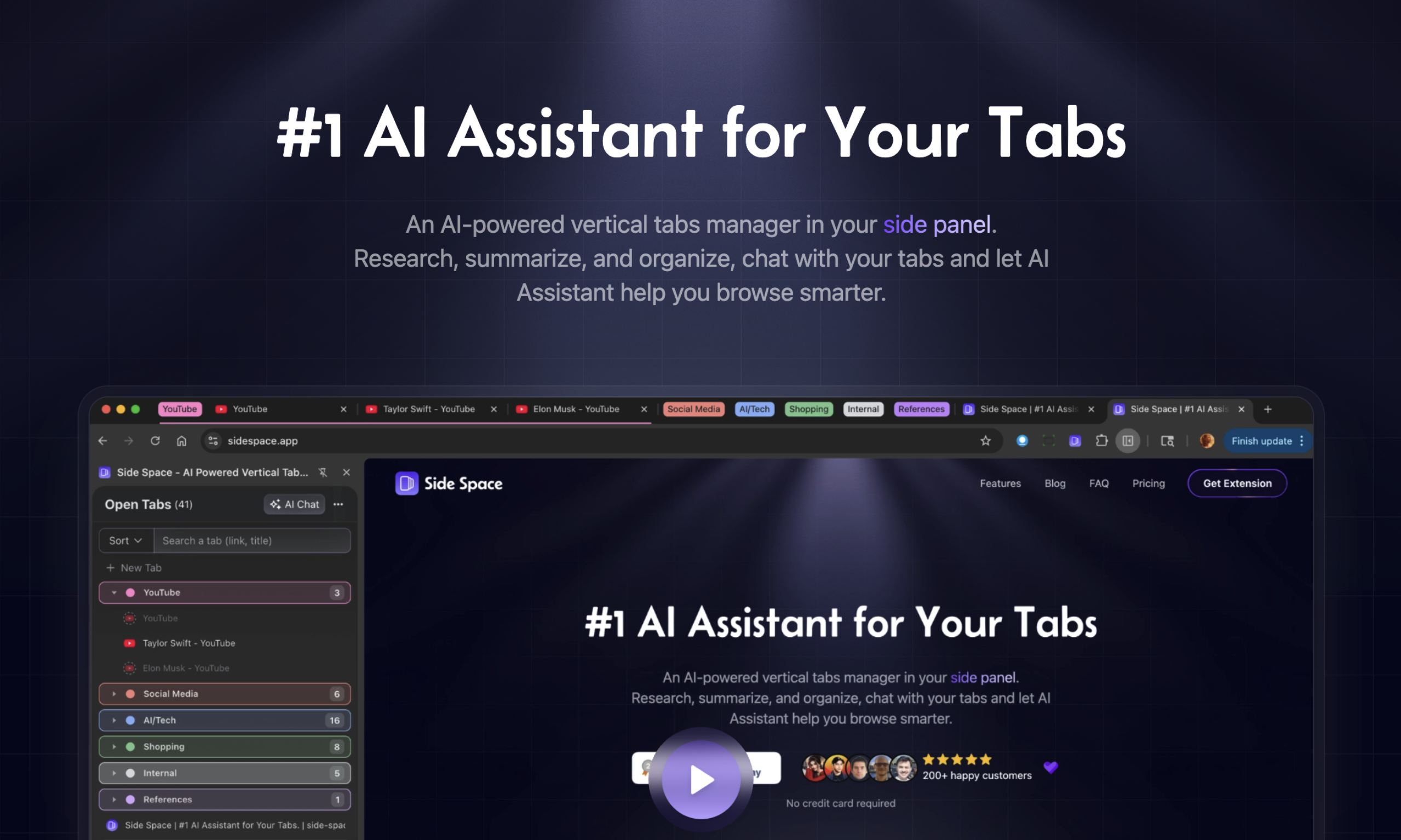
#1 AI Assistant for Your Tabs
Best product for this task

An AI-powered vertical tabs manager in your side panel. Research, summarize, and organize, chat with your tabs and let AI Assistant help you browse smarter.
What to expect from an ideal product
- Install Side Space 2.0 in your browser's side panel to access all your open tabs from one place without clicking between them
- Use the built-in AI summarizer to get quick overviews of each tab's content while keeping all pages open in the background
- Ask the AI assistant specific questions about any tab's content and get instant answers without having to read through entire articles
- Let the research feature pull key information from multiple tabs at once and combine findings into one organized view
- Chat directly with your tabs to extract quotes, data points, or main ideas from any page without switching your focus away from your current work

