This task can be performed using Fastio
Project workspaces for your team and AI agents
Best product for this task

Fastio
team-tools
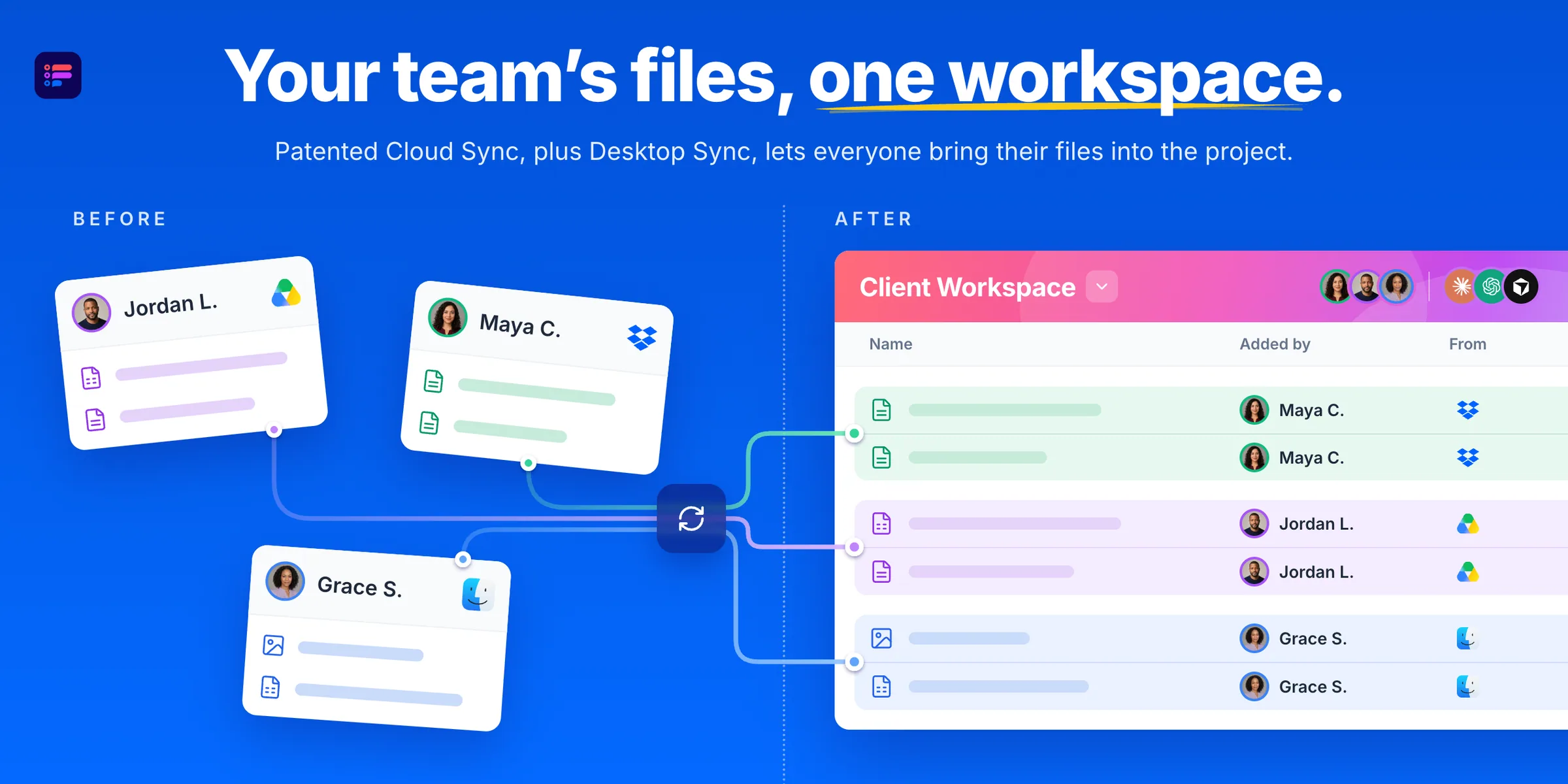
Fastio gives your team and AI agents a shared workspace for each project. Bring files and feedback together, ask agents to find answers or draft new work, and review it with your team. You choose each connection's access.
ai project workspaceagent coordination hubllm-ready storageai infrastructuredocument managementknowledge opsteam collaborationcloud storage
What to expect from an ideal product
- Set up one shared workspace per project so your team and AI agents pull from the same files, context, and feedback without switching tools.
- Control exactly what each AI agent or team member can access, so sensitive files stay protected while collaboration stays fast.
- Ask agents to search across project files and draft new work directly inside the workspace, cutting research and writing time down sharply.
- Collect feedback and file versions in one place so reviews move faster and nothing gets lost across email threads or chat messages.
- Fastio connects your team and agents to a single source of truth per project, which reduces repeated questions, misaligned work, and version confusion.

