This task can be performed using Fastio
Project workspaces for your team and AI agents
Best product for this task

Fastio
team-tools
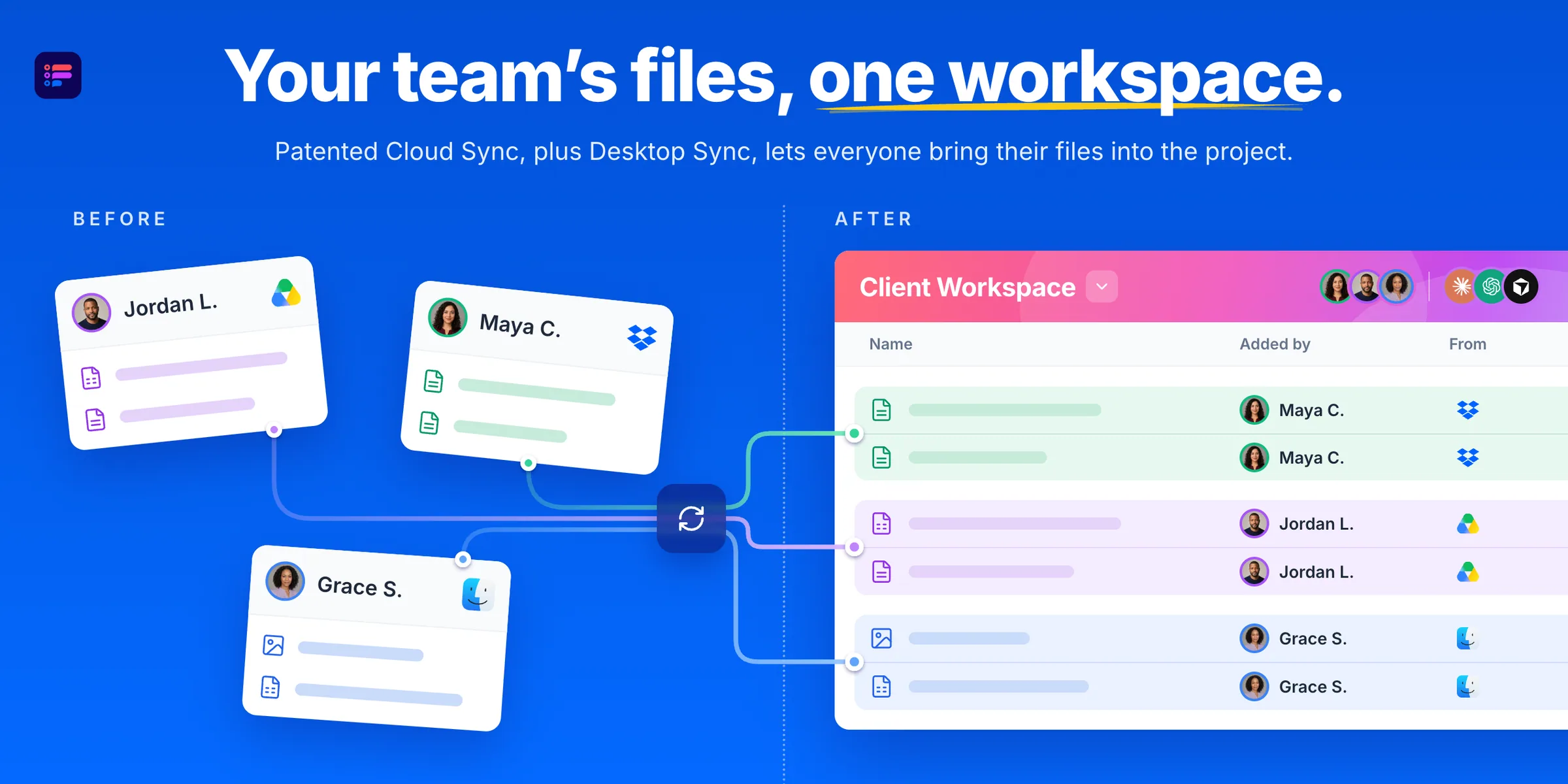
Fastio gives your team and AI agents a shared workspace for each project. Bring files and feedback together, ask agents to find answers or draft new work, and review it with your team. You choose each connection's access.
ai project workspaceagent coordination hubllm-ready storageai infrastructuredocument managementknowledge opsteam collaborationcloud storage
What to expect from an ideal product
- Fastio lets you pick exactly which files each AI agent can see, so sensitive documents stay off-limits without breaking your team's workflow.
- Connect agents only to the project folders they need, keeping client work, internal drafts, and feedback loops cleanly separated by workspace.
- When an agent drafts a response or pulls an answer, your team reviews it in the same shared space before anything moves forward.
- No more copy-pasting between tools: files, feedback, and agent output all live in one project workspace your whole team can access.
- You control each connection's permissions individually, so adding a new agent or collaborator does not mean opening up everything at once.

