This task can be performed using Fastio
Project workspaces for your team and AI agents
Best product for this task

Fastio
team-tools
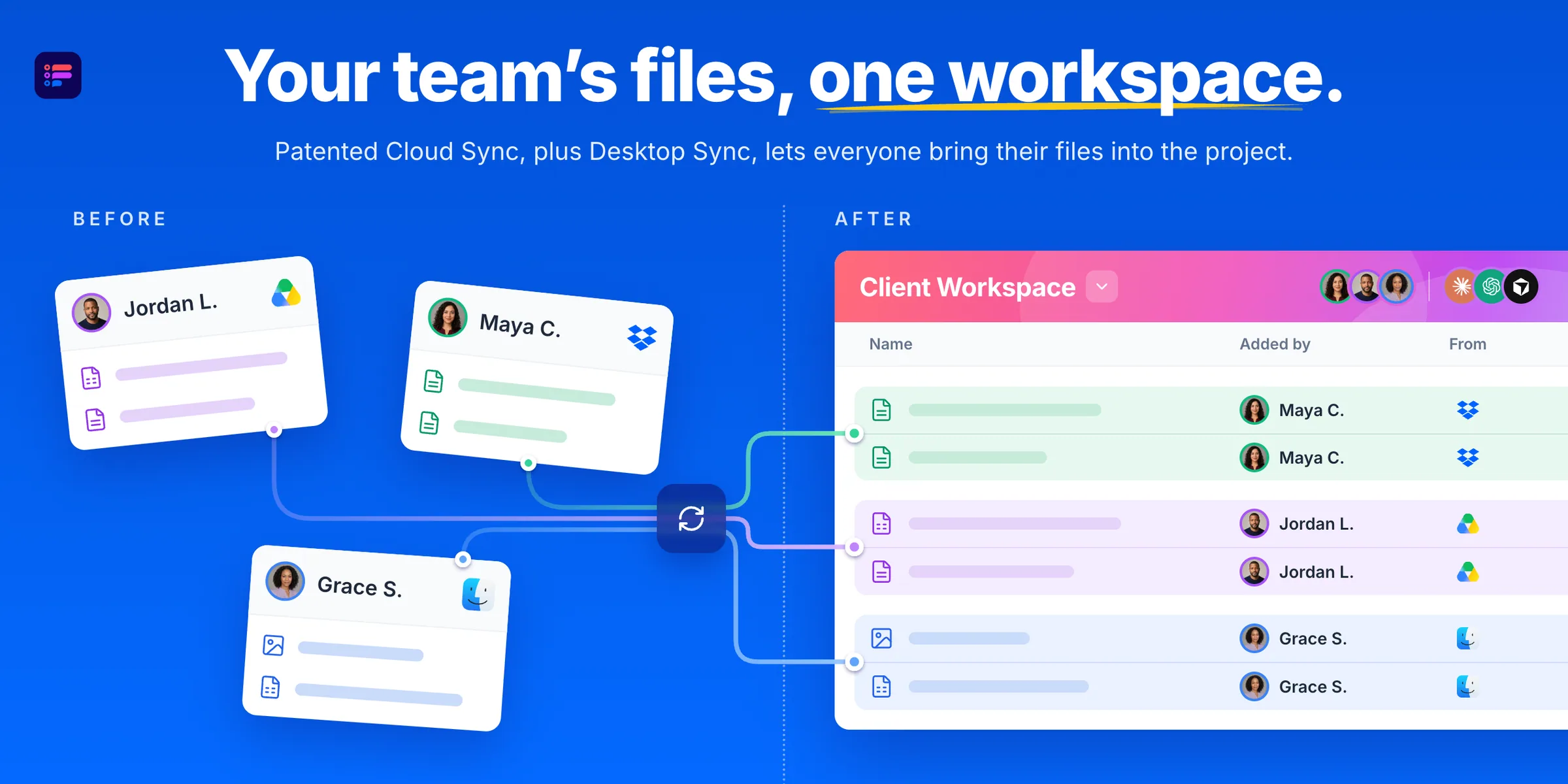
Fastio gives your team and AI agents a shared workspace for each project. Bring files and feedback together, ask agents to find answers or draft new work, and review it with your team. You choose each connection's access.
ai project workspaceagent coordination hubllm-ready storageai infrastructuredocument managementknowledge opsteam collaborationcloud storage
What to expect from an ideal product
- Fastio keeps project files and AI-generated output in one shared workspace, so your team stops hunting through Slack threads or email chains to find the latest version.
- You can invite AI agents into a project alongside your teammates, then control exactly what each connection can see or edit, no blanket access, no security guesswork.
- When an agent drafts a report or pulls an answer from your files, it lands directly in the project workspace where anyone on the team can review, comment, or push back.
- Teams using Fastio skip the copy-paste loop between AI tools and collaboration apps because the feedback and the output live in the same place from the start.
- Each project gets its own workspace, so nothing bleeds between clients, campaigns, or workstreams, and reviews stay tied to the right context every time.

