This task can be performed using PixVibe
Private image tools for you and your AI agents
Best product for this task
PixVibe
ai
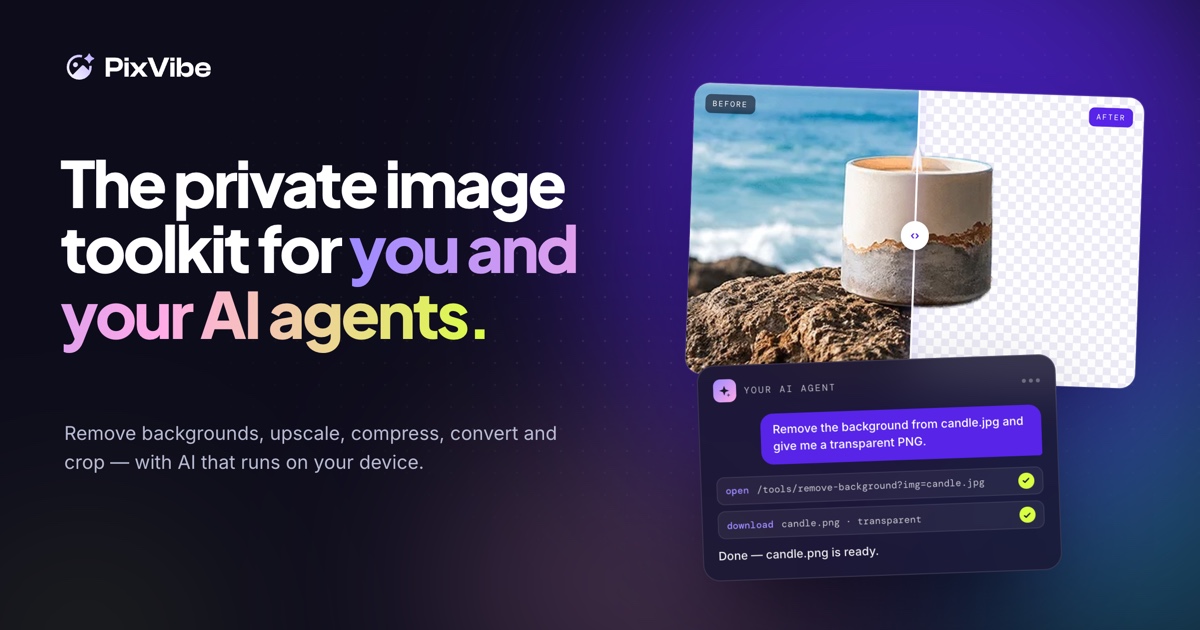
A private image toolkit for you and your AI agents. Remove backgrounds, upscale, compress, convert and crop, with free tools that run on your device.
background removerimage compressorimage converterimage upscalerheic to jpgbatch image editingai agentsprivacy
What to expect from an ideal product
- PixVibe runs entirely on your device, so no images are uploaded to external servers, making it safe to use with sensitive or proprietary visual data inside AI workflows.
- You can remove backgrounds, upscale, compress, convert, and crop images without switching between multiple tools or paid subscriptions.
- AI agents can call PixVibe's local tools directly as part of automated pipelines, keeping image processing fast and private without API rate limits.
- Because everything runs locally, you stay in control of your data even when processing hundreds of images in bulk for training sets or content workflows.
- PixVibe is free to use, with no account required, which removes the usual friction when setting up image processing steps inside an AI agent environment.

