This task can be performed using PixVibe
Private image tools for you and your AI agents
Best product for this task

PixVibe
ai
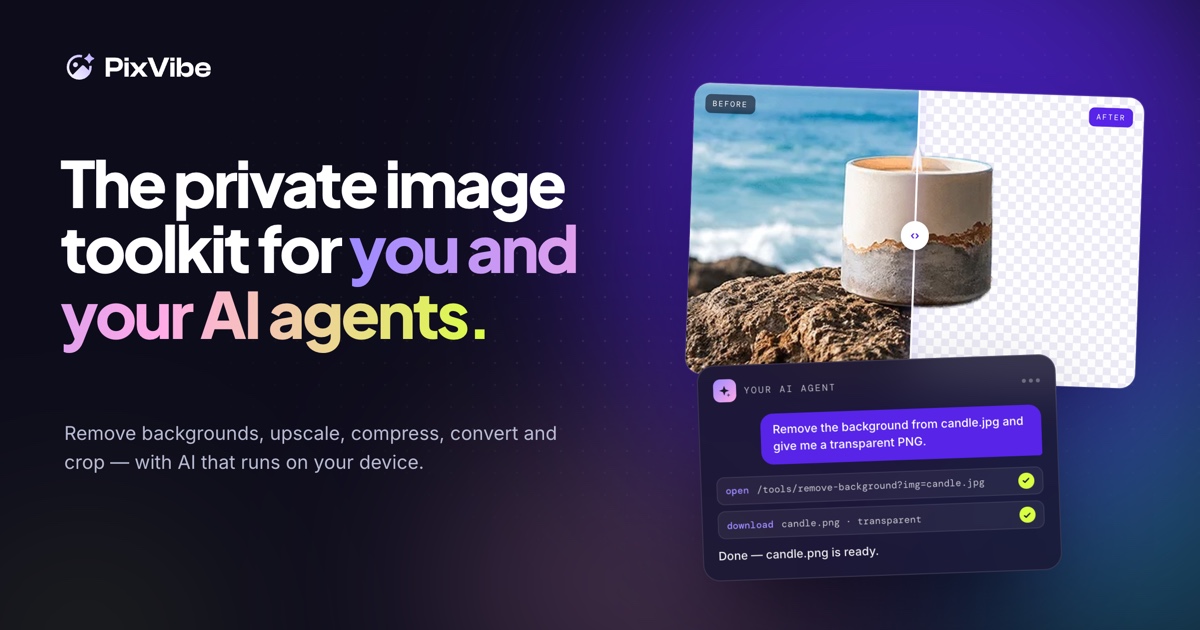
A private image toolkit for you and your AI agents. Remove backgrounds, upscale, compress, convert and crop, with free tools that run on your device.
background removerimage compressorimage converterimage upscalerheic to jpgbatch image editingai agentsprivacy
What to expect from an ideal product
- PixVibe removes image backgrounds directly in your browser, so your photos never leave your device or touch a third-party server.
- No account, no upload, no waiting: the background removal runs locally using your device's own processing power.
- Safe to use with client photos, confidential product shots, or sensitive visuals your business cannot afford to expose online.
- Built for AI workflows too, so your agents can process images without routing them through external APIs that log or store your data.
- Works alongside other private tools in PixVibe including upscaling, compression, cropping, and format conversion, all offline and free.

