This task can be performed using PixVibe
Private image tools for you and your AI agents
Best product for this task
PixVibe
ai
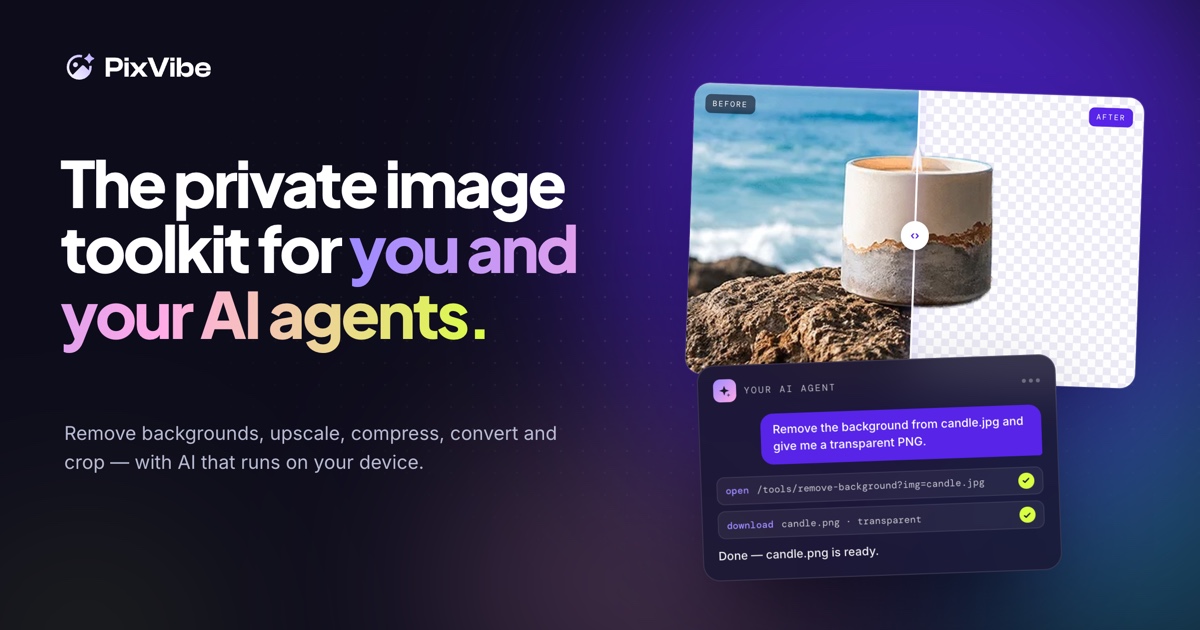
A private image toolkit for you and your AI agents. Remove backgrounds, upscale, compress, convert and crop, with free tools that run on your device.
background removerimage compressorimage converterimage upscalerheic to jpgbatch image editingai agentsprivacy
What to expect from an ideal product
- PixVibe compresses and converts images directly in your browser, so no file ever leaves your device during AI agent workflows.
- Works offline and without API keys, making it a reliable step inside automated pipelines that process sensitive or private images.
- Supports bulk image conversion between formats like PNG, JPEG, and WebP, reducing manual prep time before feeding assets into your AI tools.
- Built for developers and solo operators who need a fast, local alternative to cloud image APIs that charge per request or store your data.
- Drop it into n8n, Make, or any agent workflow as a local processing node that handles compression without third-party dependencies.

