This task can be performed using KashLog
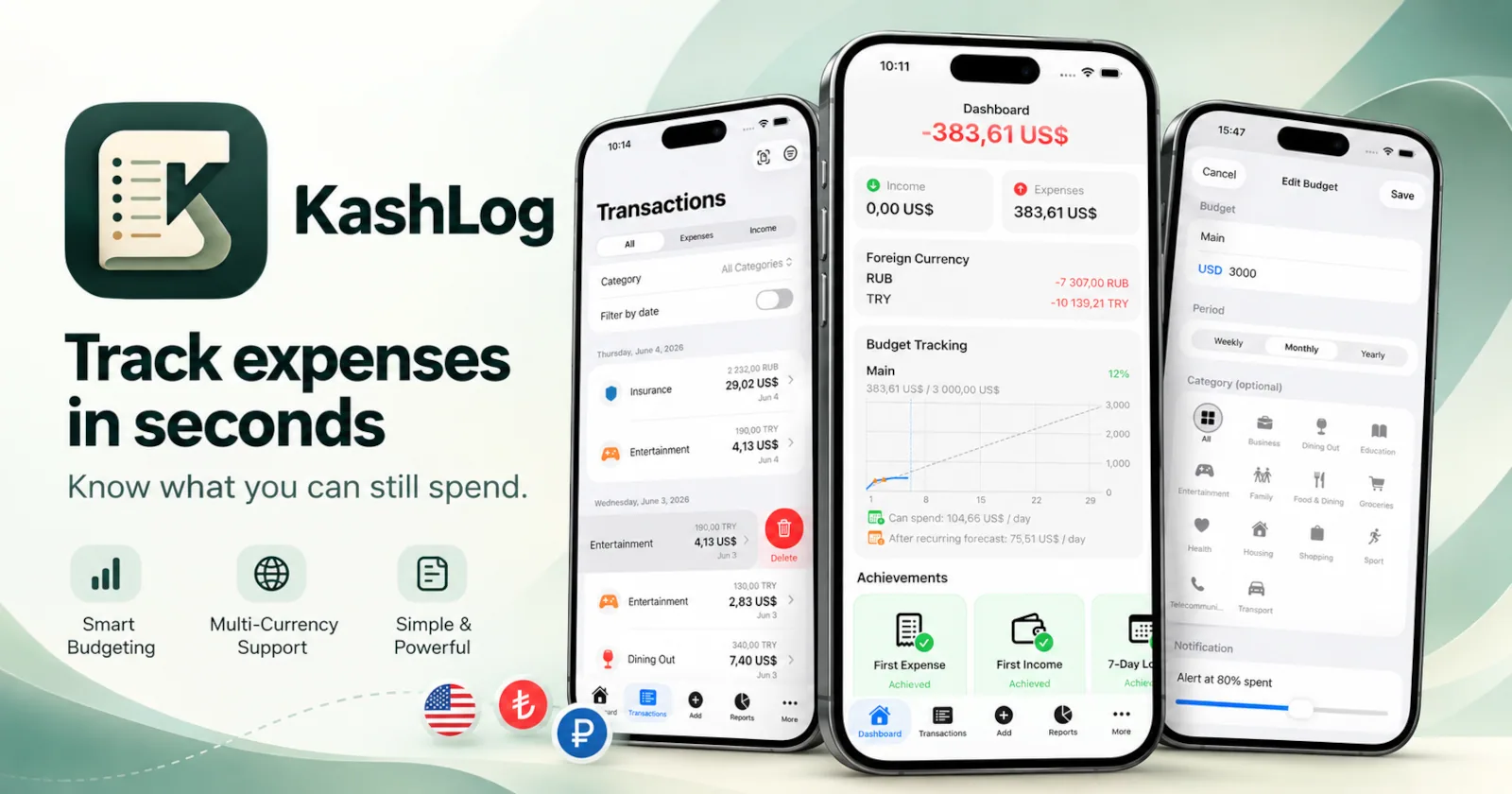
Track expenses in seconds. Know what you can still spend.
Best product for this task
KashLog
fintech
KashLog is a simple daily expense tracker that lets you log purchases in seconds, categorize spending, and see if your monthly budget is still on track.
expense trackerbudget plannerspending logpersonal financebudget trackingmoney managementspending analyticsfinancial wellness
What to expect from an ideal product
- Set a fixed monthly spending limit in KashLog and watch your remaining balance update automatically every time you log a purchase.
- Logging an expense takes under 10 seconds: open KashLog, enter the amount, pick a category, done.
- KashLog shows you exactly how much budget is left for the month, so you stop guessing and start making smarter daily spending decisions.
- Every purchase gets sorted into categories like food, transport, or bills, making it easy to spot where your money actually goes each month.
- No spreadsheets, no manual math. KashLog tracks your running total against your monthly limit so the budget work is already done for you.

