This task can be performed using Chorde
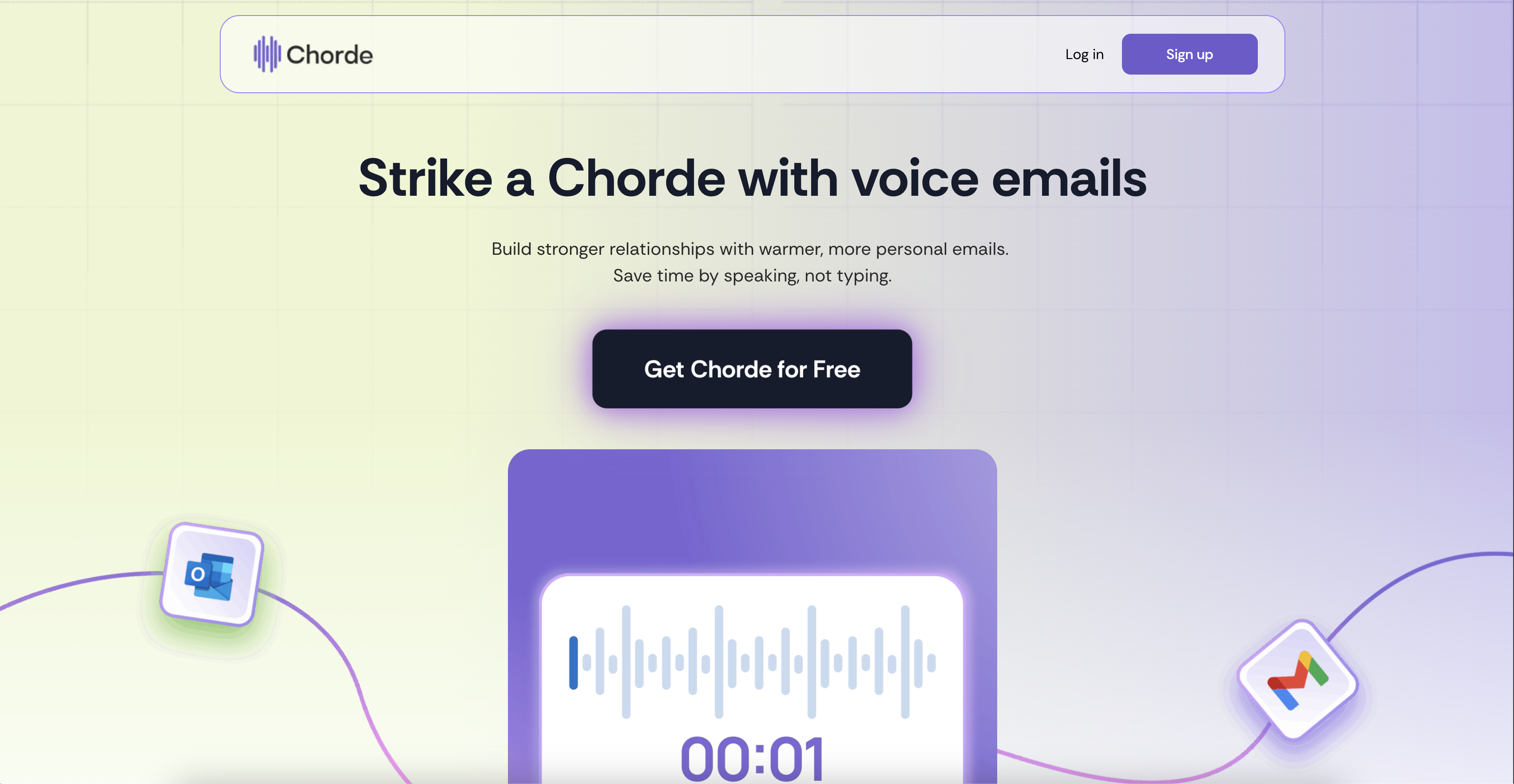
Send voice recordings in emails directly from Gmail and Outlook
Best product for this task

Chorde
ai
Send warmer, faster emails with Chorde—record your voice, skip the typing, and connect in one click.
What to expect from an ideal product
- Record your voice directly in Gmail or Outlook instead of typing long emails to add personal tone and emotion
- Skip the time-consuming process of crafting written messages by speaking naturally and letting your personality come through
- Connect with recipients on a deeper level since they can hear your actual voice, inflection, and enthusiasm
- Send quick voice messages for complex topics that would take paragraphs to explain in writing
- Make your emails stand out in crowded inboxes by offering something different than standard text-based communication

