This task can be performed using Chorde
Send voice recordings in emails directly from Gmail and Outlook
Best product for this task

Chorde
ai
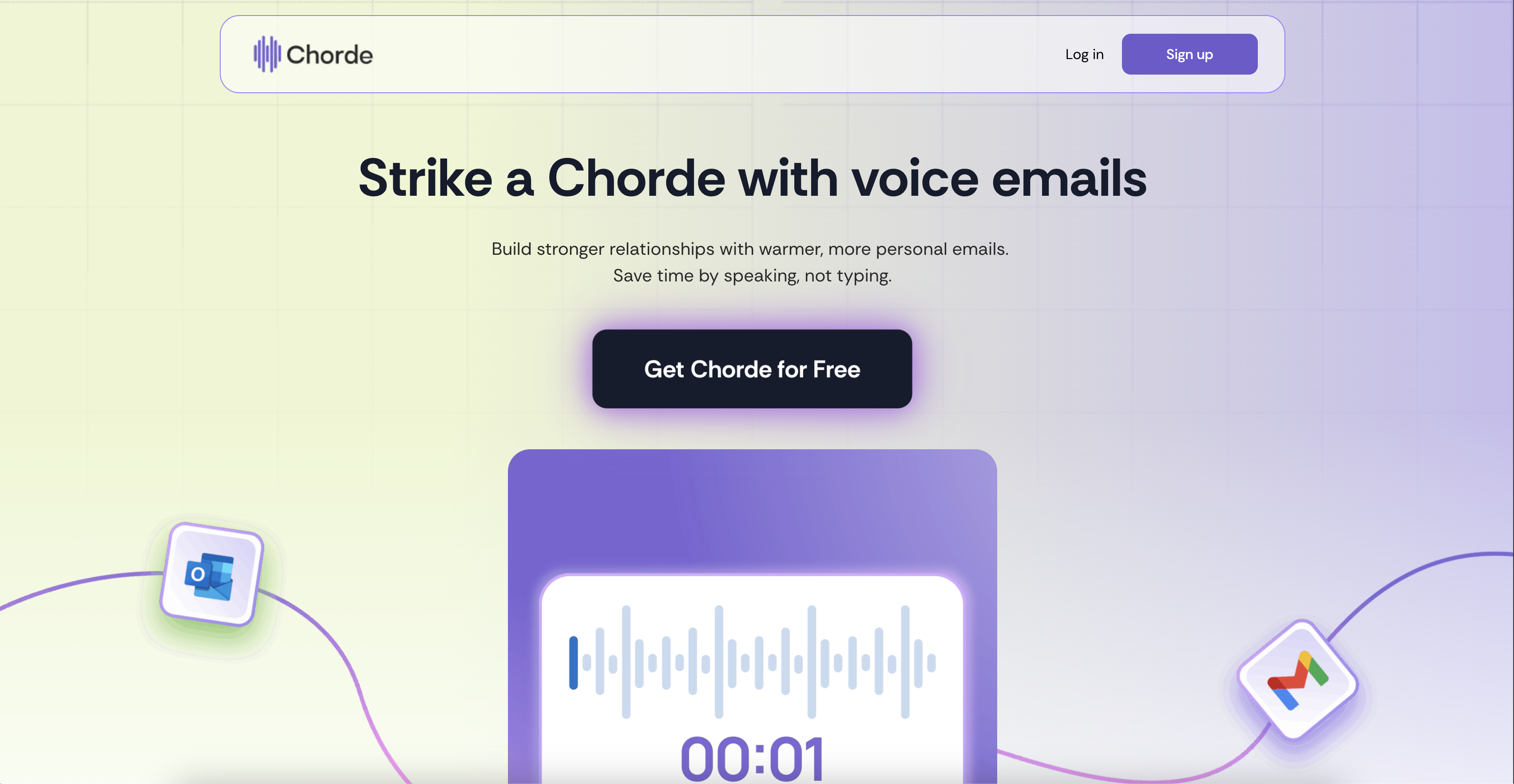
Send warmer, faster emails with Chorde—record your voice, skip the typing, and connect in one click.
What to expect from an ideal product
- Record your voice message directly within Gmail or Outlook without switching between apps or uploading files
- Click one button to instantly embed your voice recording into any email you're composing
- Skip the back-and-forth of typing long explanations by speaking your thoughts naturally in seconds
- Add personal warmth to your emails by letting recipients hear your actual voice and tone
- Send voice messages that play directly in the email without requiring recipients to download anything

