This task can be performed using Chorde
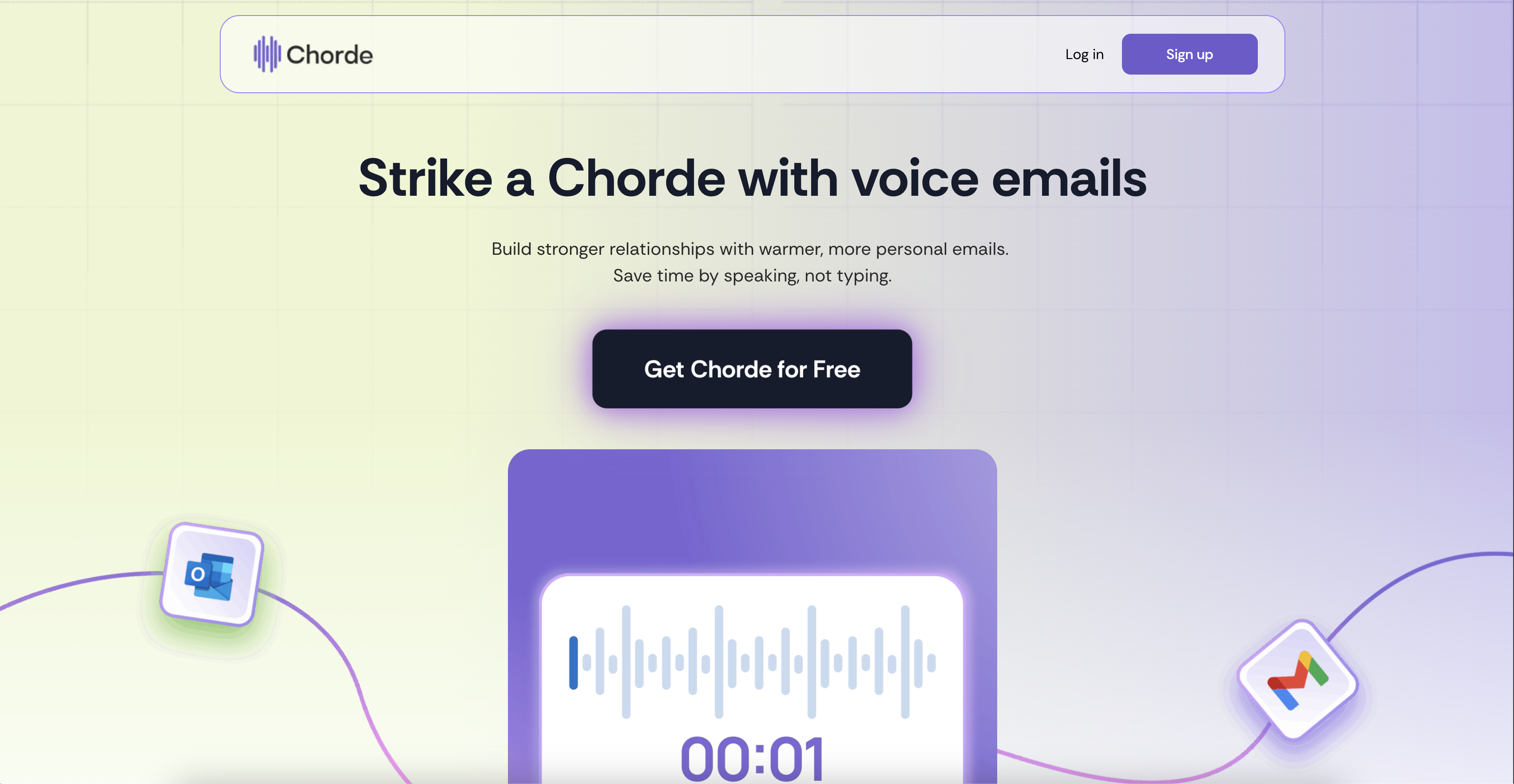
Send voice recordings in emails directly from Gmail and Outlook
Best product for this task

Chorde
ai
Send warmer, faster emails with Chorde—record your voice, skip the typing, and connect in one click.
What to expect from an ideal product
- Install Chorde as a browser extension in Gmail or Outlook to add a voice recording button directly to your email compose window
- Click the record button and speak your message naturally instead of typing out long emails or explanations
- The voice recording gets automatically converted and attached to your email without any extra steps or file uploads
- Send personal voice messages that feel more human and help build stronger connections with recipients
- Save time on lengthy emails by talking through complex topics rather than struggling to write everything out

