This task can be performed using Daysift
Find any tab instantly. One shortcut.
Best product for this task

Daysift
productivity
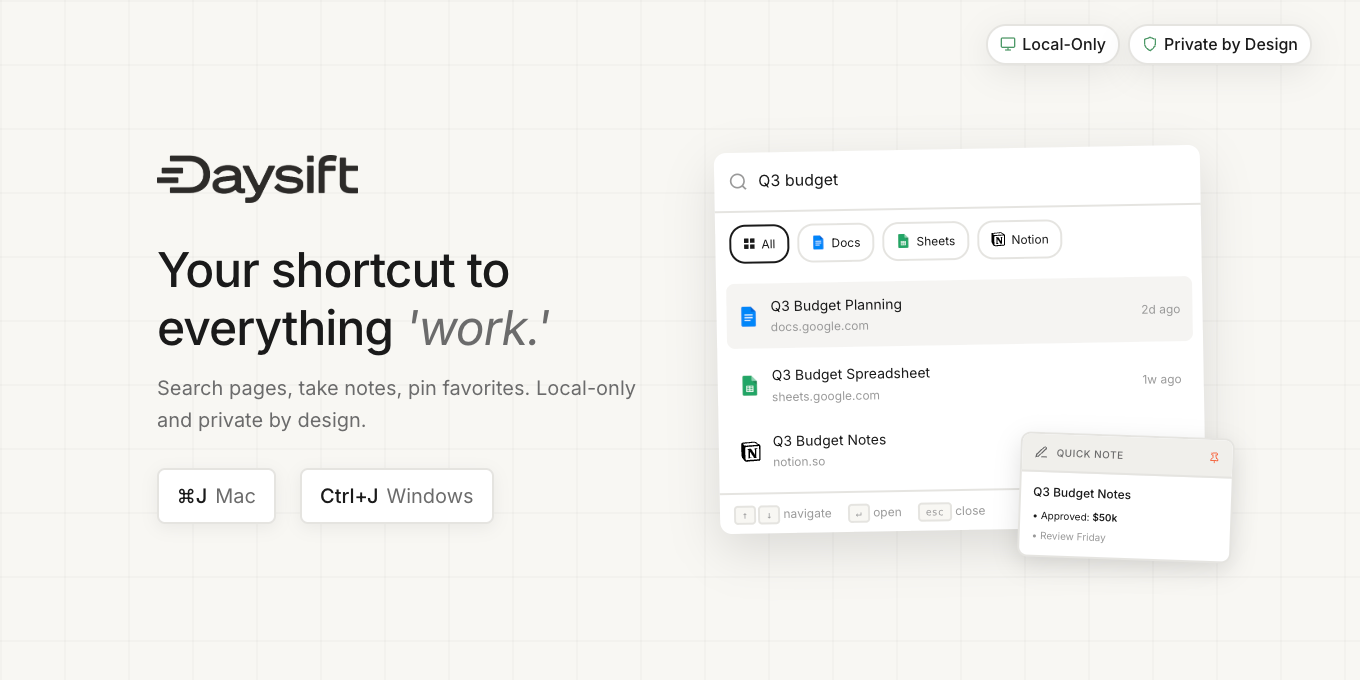
Daysift is a Chrome extension that lets you instantly search your browsing history with ⌘J. Unlike Chrome's basic history, it indexes every page you've visited and surfaces results as you type. Use fuzzy search, filter by date, or ask AI to find "that article about productivity I read last week." Includes pinned pages, floating notes, and keyboard shortcuts. Privacy-first: everything stays local on your device with zero data retention.
browser historytab managementproductivitychrome extensionsearchkeyboard shortcutsprivacylocal-firstbookmarks notesTab finderTab managementSmart Search
What to expect from an ideal product
- Press ⌘J to instantly search through everything you've ever browsed without opening Chrome's history menu
- Type any word or phrase and get results as you type, no need to remember exact page titles or URLs
- Use fuzzy search when you can't recall the exact wording - just type what you remember and it finds the page
- Filter results by specific dates or time periods using simple keyboard commands instead of calendar dropdowns
- Ask the AI feature to find pages using natural language like "show me that recipe I looked at yesterday"

