This task can be performed using OpenPixels
Revive old photos privately—no uploads, no sign-up.
Best product for this task

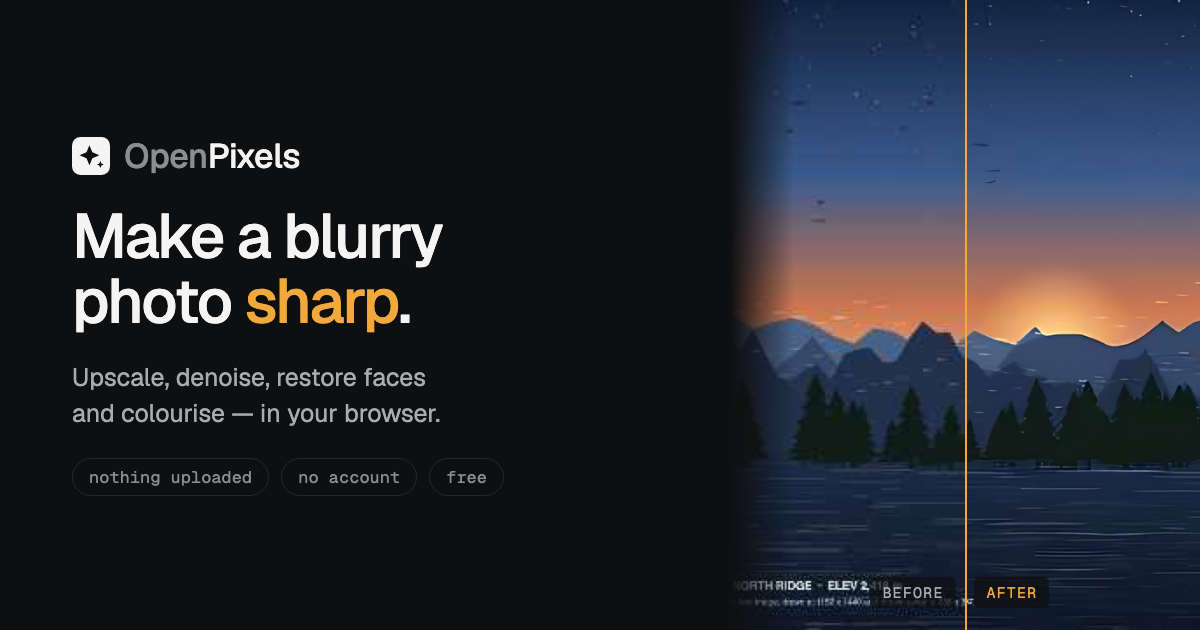
OpenPixels is an in-browser photo enhancer that upscales, denoises, restores faces, colourises and edits photos locally on your device, with offline models, batch processing and transparent quality measurements.
browser upscaleroffline enhancerwebgpu imagingimage editingphoto enhancementdigital restorationcreative imagingphotography utilities
What to expect from an ideal product
- OpenPixels runs entirely in your browser, so your grandmother's wedding photo never leaves your device, no server, no account, no data risk.
- The AI models download once and work offline, meaning you can restore a full shoebox of scanned photos on a plane or in a cabin with no wi-fi.
- Batch processing lets you queue dozens of faded or blurry images at once instead of fixing them one by one like most free tools force you to do.
- Face restoration targets degraded portraits specifically, sharpening soft eyes and blown-out skin tones that general upscalers usually smear or ignore.
- Built-in quality measurements show you a before-and-after score for each photo, so you know whether the enhancement actually improved the image before you save it.