This task can be performed using OpenPixels
Revive old photos privately—no uploads, no sign-up.
Best product for this task

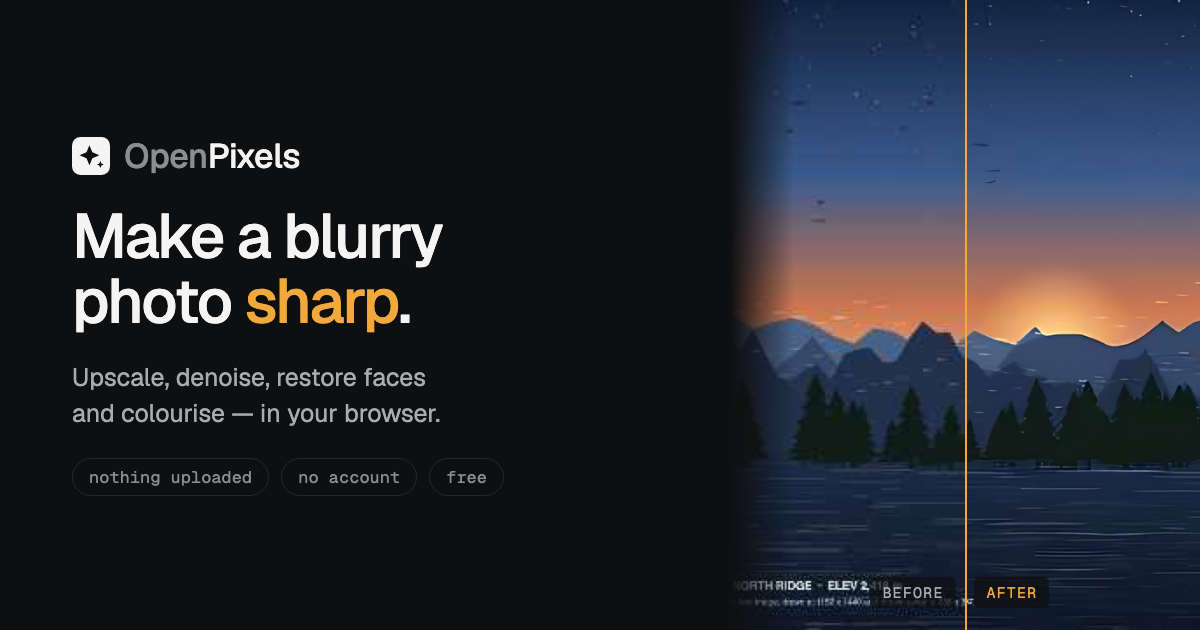
OpenPixels is an in-browser photo enhancer that upscales, denoises, restores faces, colourises and edits photos locally on your device, with offline models, batch processing and transparent quality measurements.
browser upscaleroffline enhancerwebgpu imagingimage editingphoto enhancementdigital restorationcreative imagingphotography utilities
What to expect from an ideal product
- OpenPixels runs entirely in your browser, so your old family photos never leave your device and no account or internet connection is needed after the first load.
- Batch process dozens of scanned photos at once, applying upscaling, denoising, and face restoration in a single queue without repeating steps manually.
- Offline AI models are bundled with the tool, meaning you can enhance photos on a plane, in a cabin, or anywhere with no Wi-Fi and get consistent results.
- Faded portraits get measurable improvements through built-in quality scores, so you can see exactly how much sharpness and detail were recovered, not just guess.
- Colourisation and face restoration work together in one workflow, letting you go from a cracked greyscale scan to a sharp, natural-looking photo without switching tools.