This task can be performed using OpenPixels
Revive old photos privately—no uploads, no sign-up.
Best product for this task

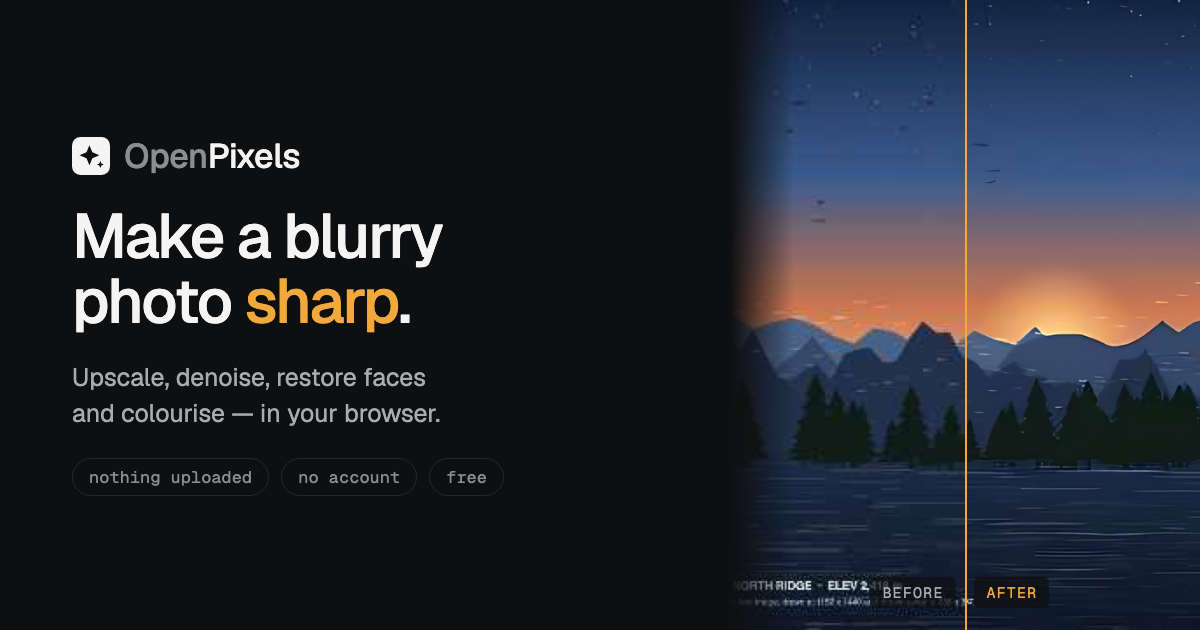
OpenPixels is an in-browser photo enhancer that upscales, denoises, restores faces, colourises and edits photos locally on your device, with offline models, batch processing and transparent quality measurements.
browser upscaleroffline enhancerwebgpu imagingimage editingphoto enhancementdigital restorationcreative imagingphotography utilities
What to expect from an ideal product
- OpenPixels runs face restoration directly in your browser, so blurry or damaged faces in old family photos get sharpened without sending a single pixel to a server.
- No account, no subscription, no upload limit. Download OpenPixels once and restore as many photos as you want, fully offline.
- Batch processing lets you fix an entire album in one go instead of uploading photos one by one to some slow online tool.
- After restoration, built-in quality measurements show you exactly how much detail was recovered, so you are not guessing whether the fix actually worked.
- Works on scanned prints, faded film photos, and compressed JPEGs from old phones, covering the most common sources of blurry or degraded faces people want to rescue.