This task can be performed using Snapyyo
Instantly give your videos and screenshots Stunning backgrounds
Best product for this task

Snapyyo
social-tools
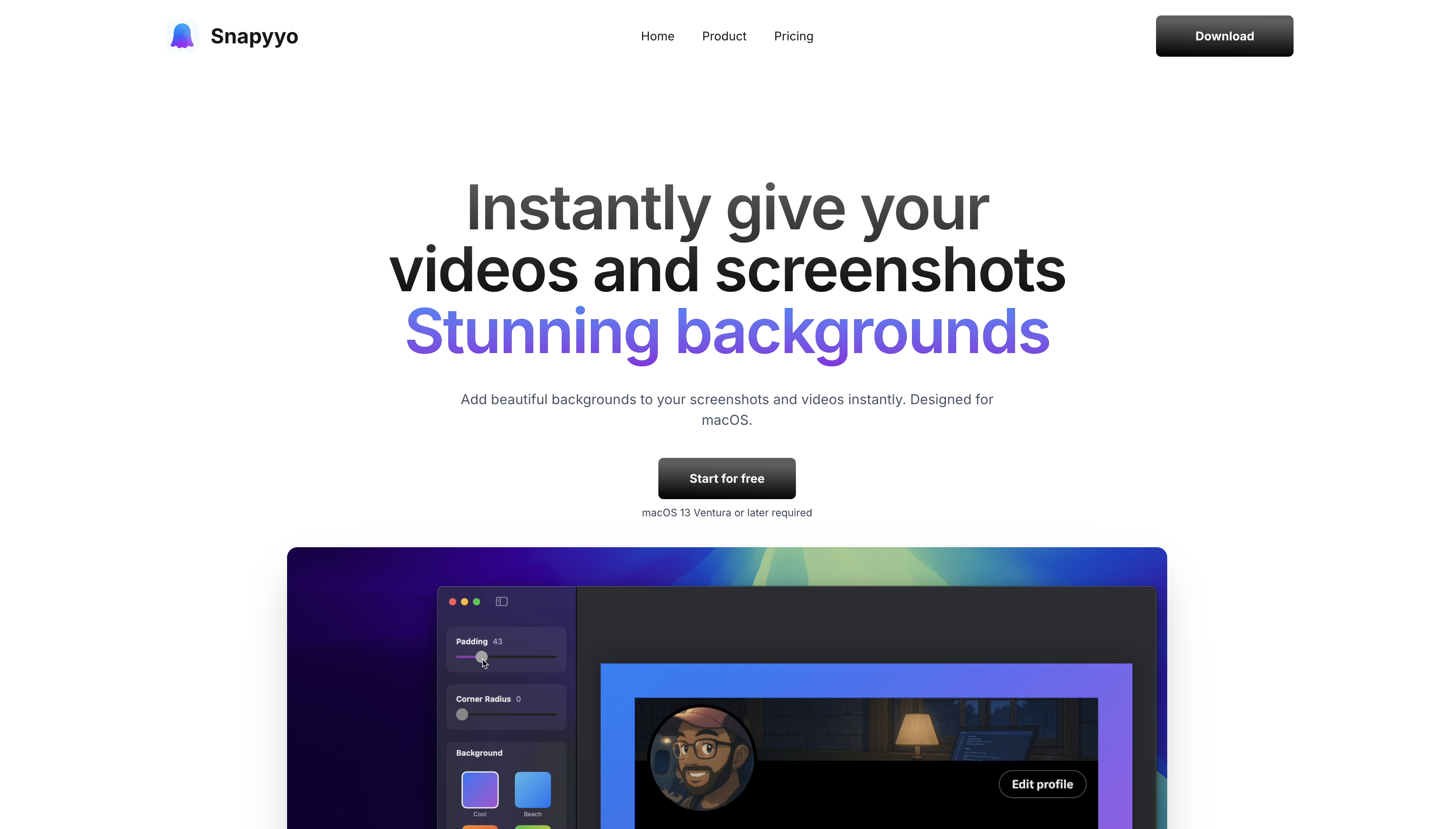
Snapyyo transforms ordinary screenshots and screen recordings into stunning visuals with beautiful gradient backgrounds. Built natively for macOS, it offers 6+ gorgeous gradient styles, customizable padding, and corner radius controls. Perfect for content creators, developers, and anyone who wants their screenshots to stand out. Features include menu bar quick access, Custom Backgrounds to videos and screenshots.
What to expect from an ideal product
- Snapyyo adds customizable padding around your screenshots with simple slider controls, eliminating the need for complex photo editing software
- The app provides adjustable corner radius settings that let you create perfectly rounded corners in seconds without manual editing
- Built-in gradient backgrounds automatically enhance your screenshots while you adjust padding and corners, saving time on multi-step editing
- Menu bar access means you can quickly grab, pad, and round any screenshot without opening heavy design applications
- Native macOS integration streamlines the entire process from capture to enhanced screenshot with padding and rounded edges in one workflow

