This task can be performed using Snapyyo
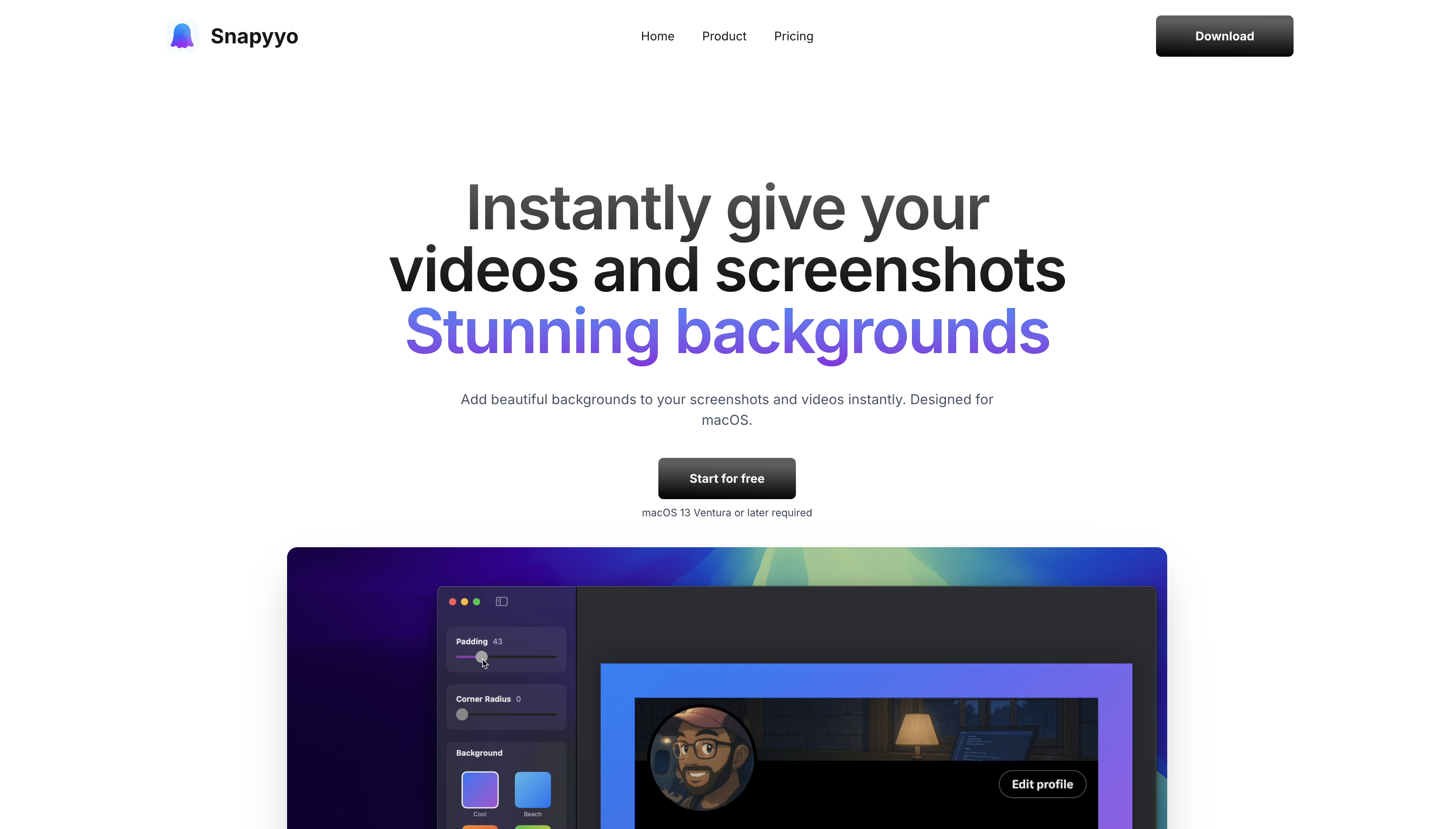
Instantly give your videos and screenshots Stunning backgrounds
Best product for this task

Snapyyo
social-tools
Snapyyo transforms ordinary screenshots and screen recordings into stunning visuals with beautiful gradient backgrounds. Built natively for macOS, it offers 6+ gorgeous gradient styles, customizable padding, and corner radius controls. Perfect for content creators, developers, and anyone who wants their screenshots to stand out. Features include menu bar quick access, Custom Backgrounds to videos and screenshots.
What to expect from an ideal product
- Take any screenshot on your Mac and instantly apply one of 6+ beautiful gradient backgrounds through Snapyyo's native macOS interface
- Access gradient customization directly from your menu bar without opening separate apps or complex editing software
- Adjust padding around your screenshots to create the perfect spacing before applying gradient backgrounds
- Control corner radius settings to make your screenshots look modern and polished with rounded edges and smooth gradients
- Transform both static screenshots and screen recordings with the same gradient background tools in one streamlined Mac application

