This task can be performed using Oxbow UI
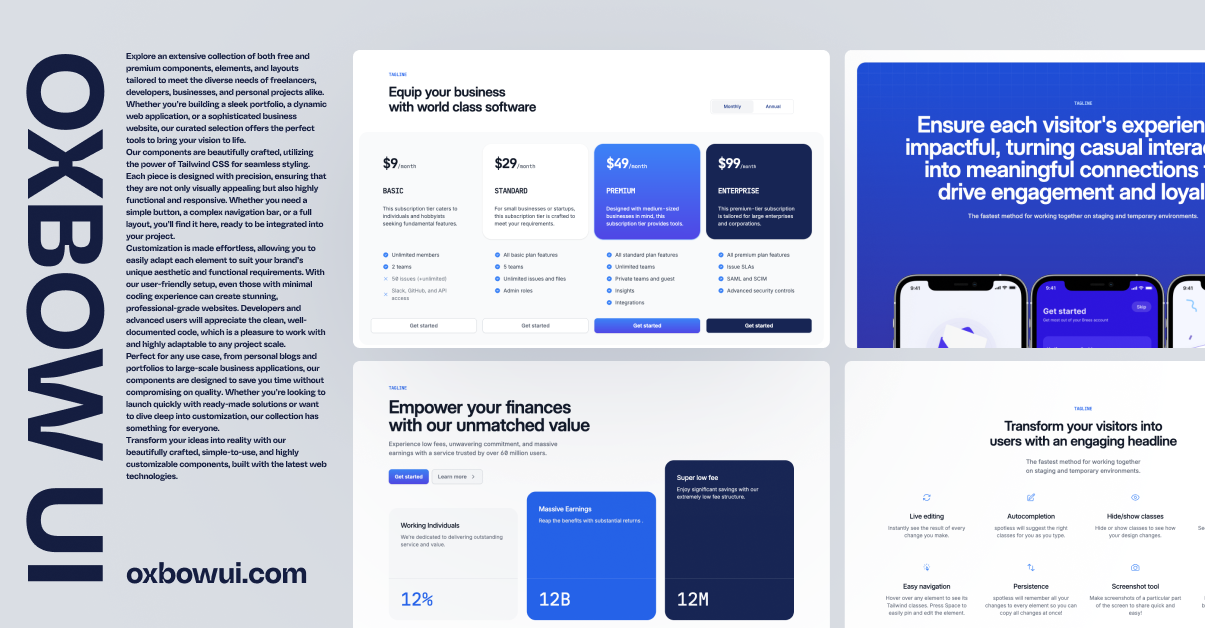
Free and premium components, elements and layouts Beautifully crafted with Tailwind CSS
Best product for this task

Oxbow UI
starter-kits
Free and premium components, elements and layouts Beautifully crafted with Tailwind CSS — Simple & easy to customise.
What to expect from an ideal product
- Drag and drop ready-made Tailwind components straight into your site without writing CSS from scratch
- Mix and match professionally designed layouts to create your website structure in minutes
- Customize colors, spacing, and fonts through simple Tailwind classes without touching complex code
- Save hours of development time by using pre-built navigation bars, hero sections, and footers
- Get a polished, modern look instantly by combining responsive components that work seamlessly together

