This task can be performed using Velprove
Uptime monitoring that logs in like a real user
Best product for this task

Velprove
dev-tools
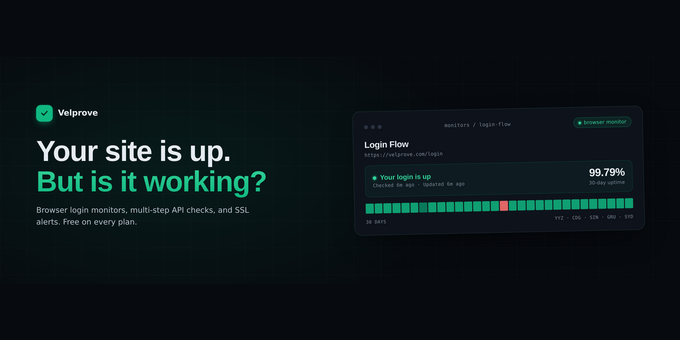
Velprove tells you whether your web app actually works, not just whether the server returned a 200. It opens a real browser, signs in like a user, and catches the outages pings miss: broken logins, failed checkouts, empty 200s. Run browser login, API, multi-step, and HTTP monitors from 5 global regions, with alerts to Slack, PagerDuty, and more. Free plan, no credit card required.
uptime monitoringwebsite monitoringbrowser monitoringlogin monitoringsynthetic monitoringAPI monitoringmulti-step monitoringSSL monitoringstatus pagesdowntime alertsincident alertsDevOps toolsSaaS toolswebsite uptimeAPI testingUptimeRobot alternativePingdom alternative
What to expect from an ideal product
- Velprove opens a real browser and actually logs into your web app just like your users do, catching login failures that basic uptime checks miss
- It monitors your entire login flow from multiple locations worldwide, so you know if users in different regions are having trouble signing in
- The system detects broken authentication issues that still return 200 status codes but leave users unable to access their accounts
- You get instant alerts through Slack, PagerDuty, or email when login problems happen, before angry users start calling
- It runs continuous checks on your login system around the clock, giving you confidence that real users can actually sign in when they need to

