This task can be performed using Buzzblender
Affordable digital signage for any TV
Best product for this task

Buzzblender
remote-tools
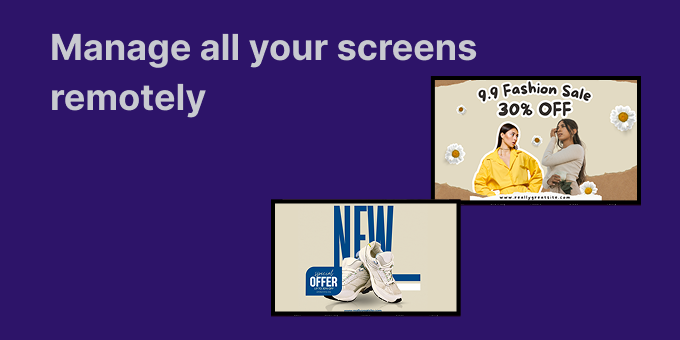
BuzzBlender - hardware agnostic digital signage software. We built it specifically for small businesses that were tired of overpriced or overly complex signage tools. * It works on any TV (LG, Samsung, Android TV, Philips, etc.) — no extra hardware needed * Quick setup — most people are up and running in minutes * QR code support for promos, menus, lead capture, etc. * Fully cloud-based, so you can manage screens remotely * Pricing starts at $5 per screen/month
What to expect from an ideal product
- Works with any TV brand you already own so you can manage Samsung, LG, Android TV, and Philips screens all from one dashboard without buying extra equipment
- Quick cloud setup means you can connect and control multiple screens in different locations within minutes instead of dealing with complicated installations
- QR code features let you update promotions and menus across all your TVs at once, perfect for restaurants or retail stores with multiple locations
- Remote management through the cloud means you can change content on screens across town or across the country from your phone or computer
- Simple monthly pricing at $5 per screen makes it easy to scale up from one location to dozens without breaking the budget

