This task can be performed using Buzzblender
Affordable digital signage for any TV
Best product for this task

Buzzblender
remote-tools
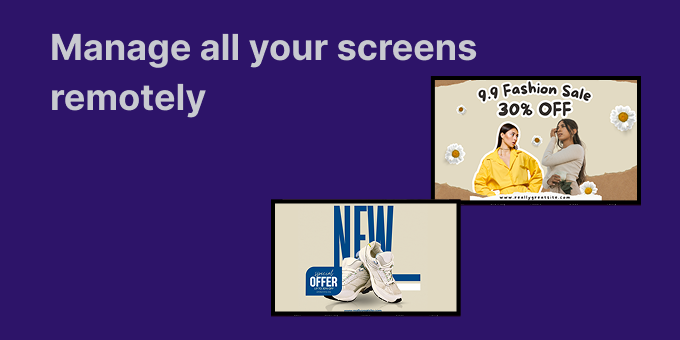
BuzzBlender - hardware agnostic digital signage software. We built it specifically for small businesses that were tired of overpriced or overly complex signage tools. * It works on any TV (LG, Samsung, Android TV, Philips, etc.) — no extra hardware needed * Quick setup — most people are up and running in minutes * QR code support for promos, menus, lead capture, etc. * Fully cloud-based, so you can manage screens remotely * Pricing starts at $5 per screen/month
What to expect from an ideal product
- BuzzBlender lets you add a QR code to any screen in minutes, no designer or developer needed, just upload your image or promo link and it goes live instantly.
- Works on the TV you already own, LG, Samsung, Android TV, Philips, so you skip the hardware cost entirely and start capturing leads the same day.
- QR codes in BuzzBlender can rotate with your playlist, meaning a morning promo, a lunchtime offer, and an evening signup form can all run on the same screen automatically.
- Small businesses use BuzzBlender QR codes to collect emails, push people to Google reviews, or drive foot traffic to a specific product page, all tracked from one cloud dashboard.
- At $5 per screen per month, running a QR code promo on digital signage costs less than a single printed flyer run and you can update it anytime without reprinting anything.

