This task can be performed using Free Receipt Maker
Simple, Fast, Free - create professional branded receipts instantly.
Best product for this task

Free Receipt Maker
productivity
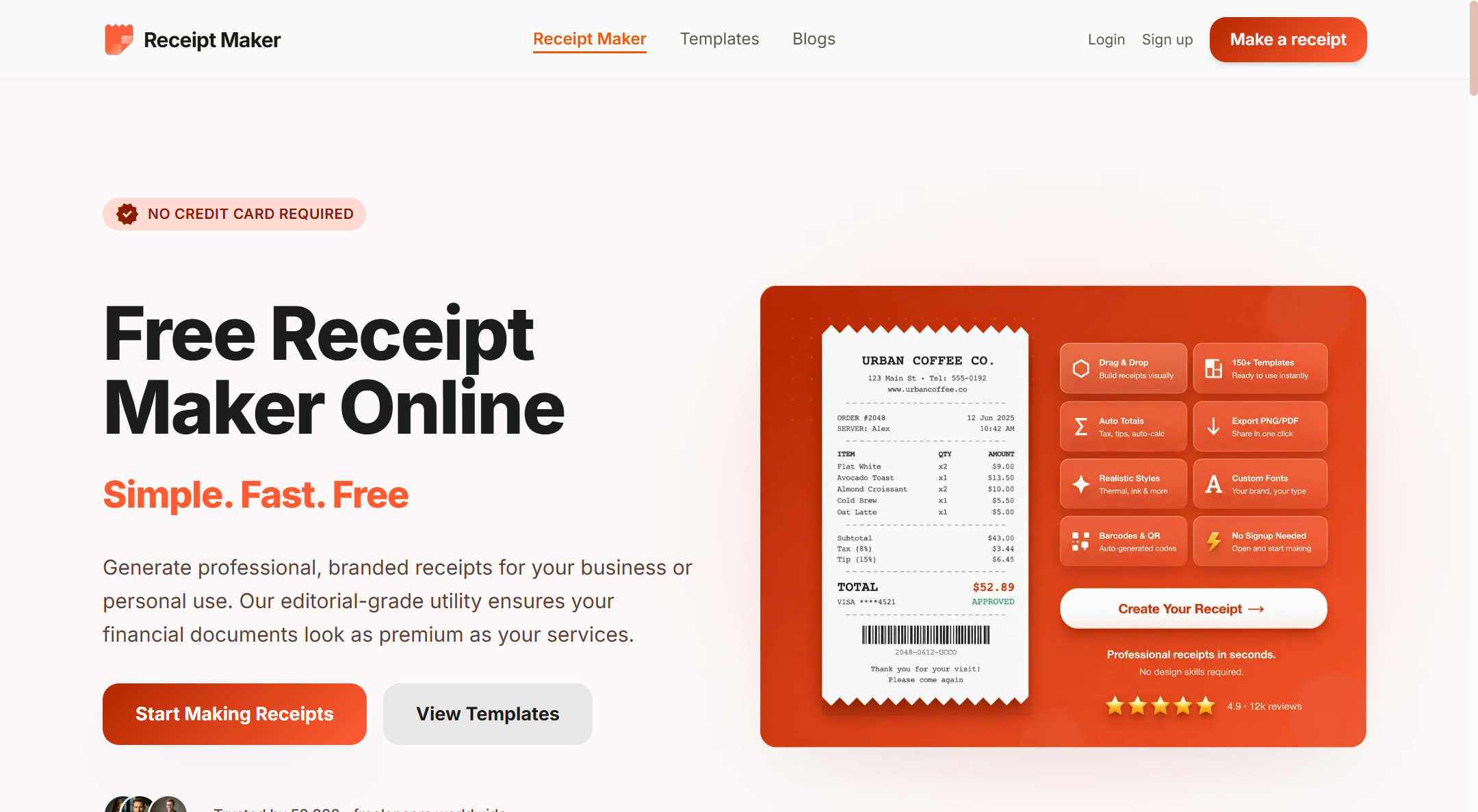
Receipt Maker is a free online tool that lets you create professional receipts in seconds - no signup, no credit card, no hassle. Choose from 100+ customizable templates, add your business logo, itemize purchases, select currencies, and download your high-quality receipt in preferred format.
What to expect from an ideal product
- Free Receipt Maker lets you itemize every purchase line by line, assign quantities, prices, and descriptions, and watch the total calculate automatically without touching a spreadsheet.
- Switching currencies takes one click, so whether you are billing in USD, EUR, GBP, or dozens of other options, the receipt reflects the right symbol and format instantly.
- No account, no credit card, no waiting period. You open the tool, fill in your items, and download a clean receipt in seconds.
- Pick from 100+ templates, drop in your business logo, and the final receipt looks like something a professional accounting team produced, not a quick online form.
- Whether you run a freelance side gig, a small retail shop, or a service business, Free Receipt Maker handles itemized digital receipts for any use case without costing you anything.

