This task can be performed using Visona
One canvas. Many minds. Zero Context Loss.
Best product for this task

Visona
productivity
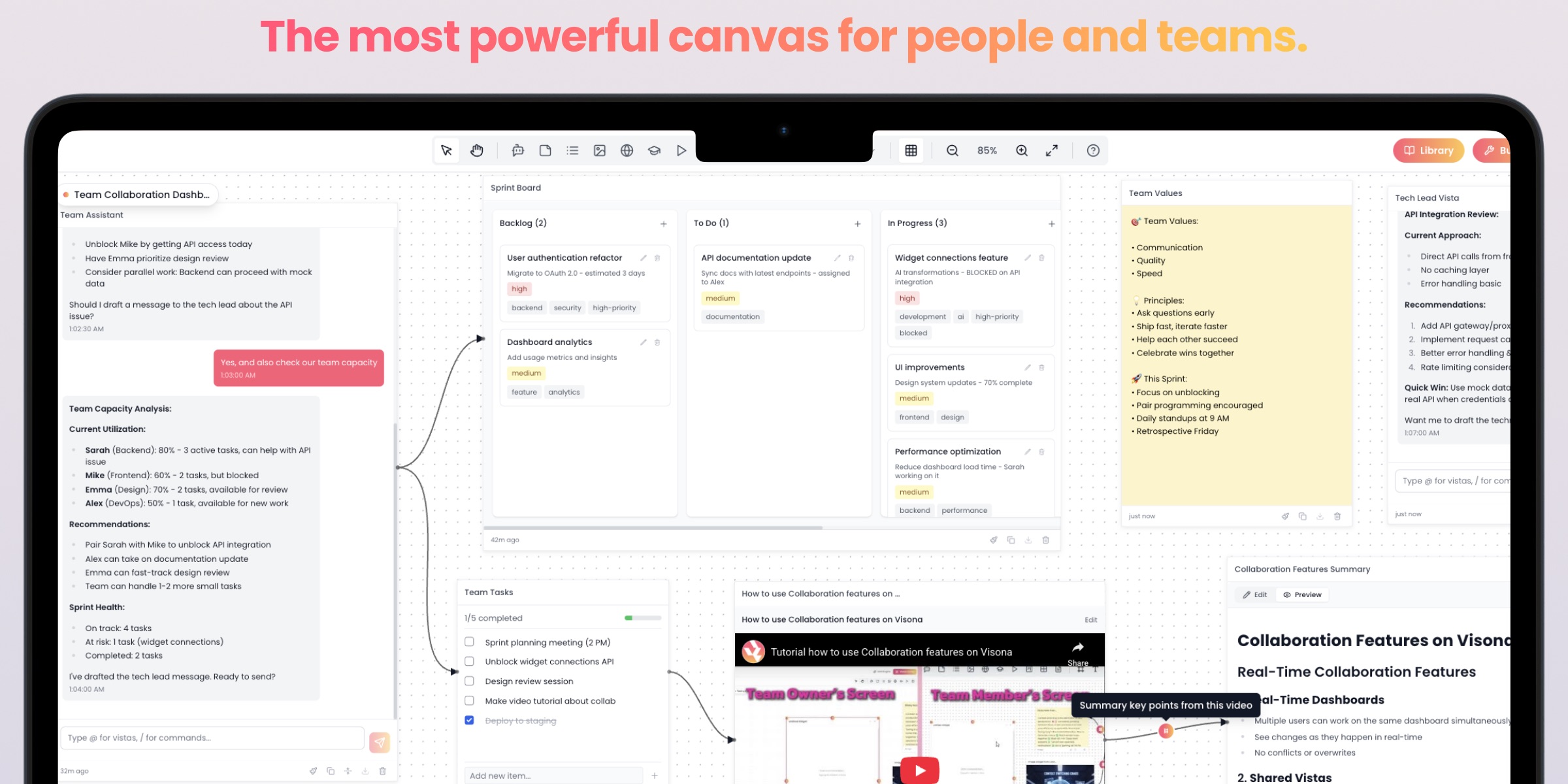
Visona is the most powerful canvas for people and teams. Instead of linear lists and buried folders, organize your world on an infinite whiteboard. Combine AI chat, notes, tasks, tables, media and docs visually. Deeply integrated with AI-powered versions of you, each with its own role, memory, and knowledge—so you can move from strategy to execution instantly.
What to expect from an ideal product
- Create distinct AI assistants for different work areas like project management, research, or creative tasks, each remembering past conversations and maintaining their specialized knowledge
- Set up role-specific AI helpers that understand your team's context and can jump between strategic planning and day-to-day execution without losing track of important details
- Build AI assistants that retain information from previous sessions, so you don't have to repeat background information or re-explain project requirements every time
- Organize multiple AI personalities on your workspace canvas where each one handles specific responsibilities while sharing relevant information with others when needed
- Design AI collaborators that learn your workflow patterns and can switch between high-level decision making and detailed task management while keeping all context intact

