This task can be performed using Voktik
Voice typing for Windows that tidies as you talk
Best product for this task

Voktik
productivity
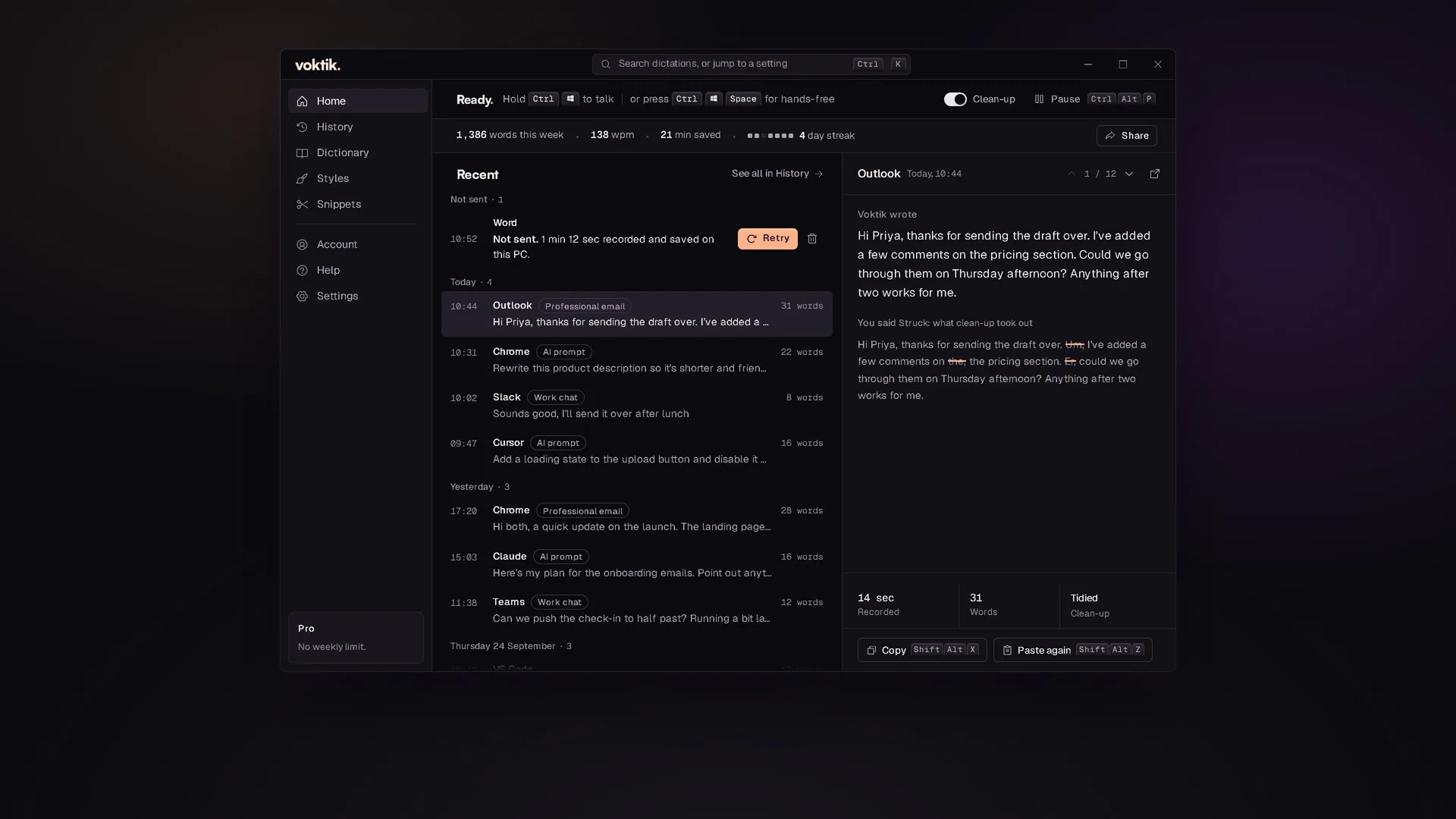
Hold Ctrl+Win, talk, let go. Voktik takes out the ums, adds punctuation and pastes clean text into the app you're typing in. Free for 2,000 words a week.
What to expect from an ideal product
- Voktik listens while you talk, strips out filler words like "um" and "uh", adds punctuation automatically, and pastes the finished text wherever your cursor is sitting in Windows.
- No copy-pasting, no cleanup, no switching between apps. Hold Ctrl+Win, say what you need to say, release, and the clean version appears instantly.
- Works inside any Windows app you already use, whether that's Outlook, Notion, Word, or a browser form, without installing plugins or changing your workflow.
- Built for people who talk faster than they type but hate spending five minutes fixing raw transcription before they can send or publish anything.
- Free for 2,000 words a week, which covers daily emails, short reports, and quick notes without needing a credit card to get started.

