This task can be performed using Snipzin
Generate Tailwind CSS Snippets Instantly | Snipzin
Best product for this task

Snipzin
dev-tools
Create responsive, customizable Tailwind CSS components in seconds. Perfect for developers and designers seeking efficient UI solutions.
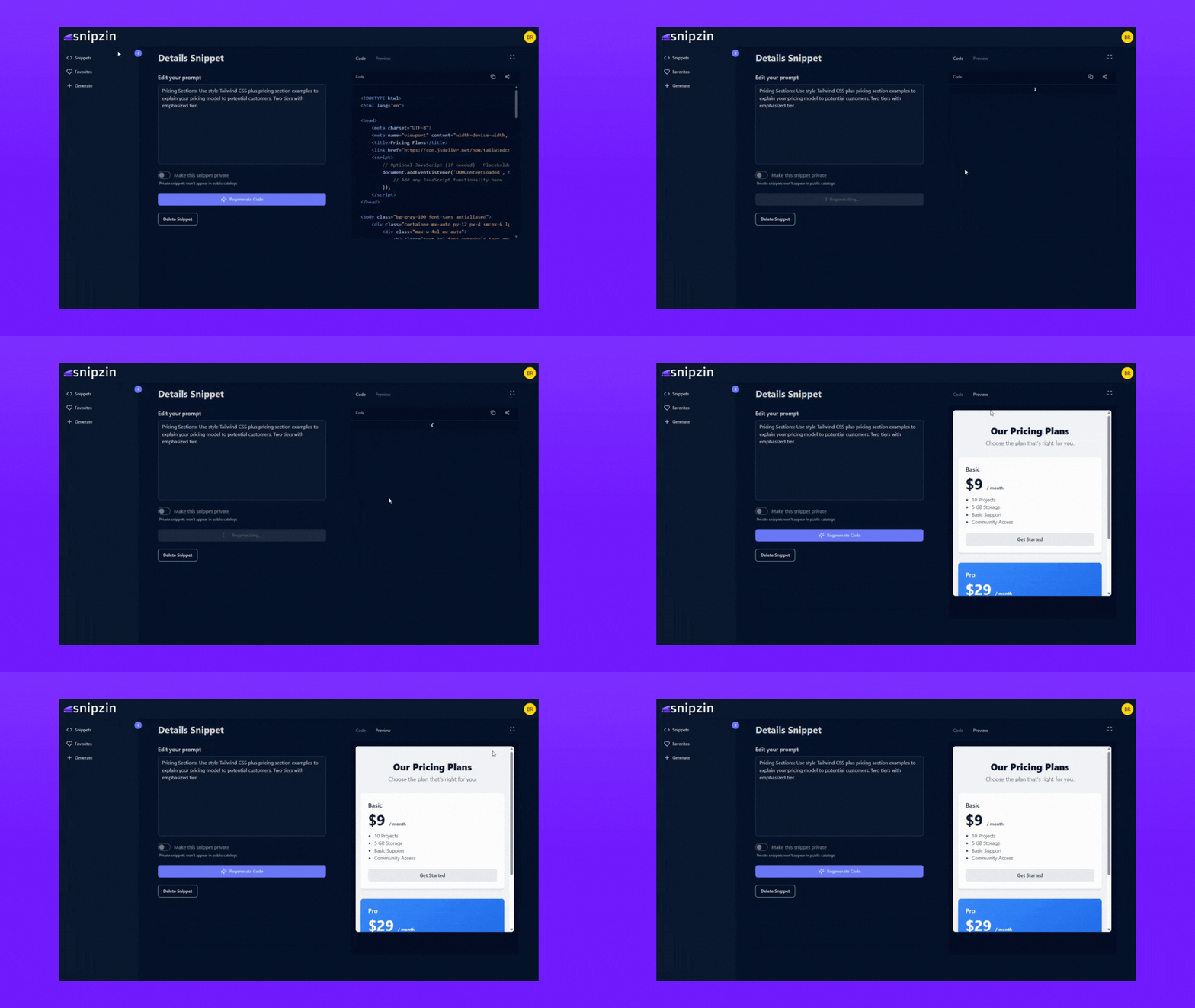
What to expect from an ideal product
- Access a library of pre-built Tailwind CSS components that automatically adapt to different screen sizes without manually coding media queries
- Copy and paste ready-made component code directly into your project, eliminating the need to write HTML and CSS classes from scratch
- Customize colors, spacing, and styling options through an intuitive interface that generates the corresponding Tailwind classes for you
- Browse components organized by category like buttons, cards, and navigation bars to quickly find what you need for your design
- Preview how components look on desktop, tablet, and mobile devices before adding them to your project

