This task can be performed using BioSnap AI
No photoshoot? No problem. AI delivers flawless headshots.
Best product for this task

Tired of bad profile pics? BioSnap AI turns selfies into studio-quality headshots in seconds - perfect for LinkedIn, resume or Social Media. No photoshoots, no hassle - just upload, customize, and get a polished, pro-looking shot with perfect lighting.
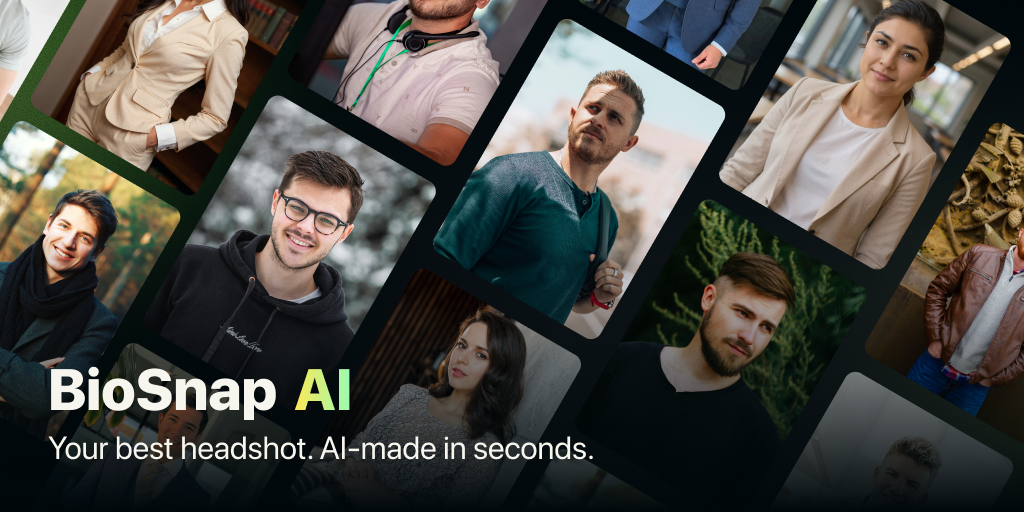
Need a polished photo for LinkedIn, Instagram, your website, or a portfolio, but do not have time for a photoshoot? This guide shows how to use an AI profile picture generator to create a consistent personal branding photo from a selfie, choose the right style for your audience, and check that the final image looks natural.
1. Decide where the photo will appear
Start with the audience, not the app. A founder may need a confident AI headshot for founders for LinkedIn and investor-facing pages. A freelancer, coach, or consultant may need something warmer and more approachable. The deciding factor among AI products is whether they support this exact workflow.
Write down your main use case:
- LinkedIn or resume: clean background, direct eye contact, polished clothing
- Website or portfolio: style can be more creative and expressive
- Social media: friendly lighting and a recognizable crop
- Real estate or coaching: approachable, professional, and welcoming
- Indie hacking or startup content: modern, relaxed, and credible
Your image should look like the same person across channels. Consistency matters more than creating a different persona for every platform. If you are comparing photo styles for LinkedIn specifically, this guide to creating a professional and natural LinkedIn headshot can help you choose a direction.
2. Choose a style that matches your role
Select one primary style before generating several variations. Too many unrelated looks can make your personal brand feel inconsistent.
Use these starting points:
- Corporate: neutral background, formal clothing, controlled expression
- Creative: softer lighting, subtle color, relaxed pose
- Casual professional: natural background, open expression, less formal outfit
- Founder: confident but accessible, suitable for a company bio and social profile
- Freelancer or consultant: clear, trustworthy, and client-friendly
- Coach or agent: warm, energetic, and conversational
For a professional social media headshot AI result, avoid dramatic effects that compete with your face. Background replacement and outfit changes should support your role, not become the main visual message. If you are evaluating broader professional photo products, prioritize tools that let you control both style and background.
3. Generate and compare your profile photos
Choose a clear selfie with your face visible and reasonable lighting. Upload a few options if the tool supports it, then compare the results using the same checklist:
- Does the face still look like you?
- Are the eyes, teeth, hair, and skin texture natural?
- Is the crop suitable for a circular profile image?
- Does the background fit your work?
- Would the image look consistent beside your website bio?
BioSnap AI lets you upload selfies, select corporate, creative, or casual styles, and generate polished headshots with adjusted lighting, backgrounds, and virtual outfits. It can be useful when you want an AI headshot for personal branding without arranging a photoshoot. Try the BioSnap AI profile photo workflow when you are ready to create and customize your image.
4. Apply the same image system across channels
Pick one primary headshot and one alternate version. Use the primary image on LinkedIn, your website, and professional profiles. Reserve the alternate for social channels where a different crop or background works better.
Before exporting, check:
- Your face is large enough to recognize on a phone
- The background is not distracting
- Clothing matches your current role
- The expression feels natural
- The image is recent and still resembles you
A common mistake is using a highly formal photo on a relaxed creator profile, or a casual selfie on a client-facing page. Another is changing your appearance so much that contacts may not recognize you.
Common mistakes to avoid
- Using a blurry, heavily filtered selfie
- Choosing a background unrelated to your profession
- Generating different facial features between platforms
- Cropping out too much of the head or shoulders
- Treating an AI result as final without checking details.
More topics related to BioSnap AI
Similar topics
- Create Professional Resume Headshots From Selfies With BioSnap AI
- How to Turn Selfies Into Professional Headshots Without a Photoshoot
- How to get professional headshots without hiring a photographer
- How to turn selfies into LinkedIn-quality profile pictures
- How to create studio-quality headshots with perfect lighting at home

