This task can be performed using Paisty
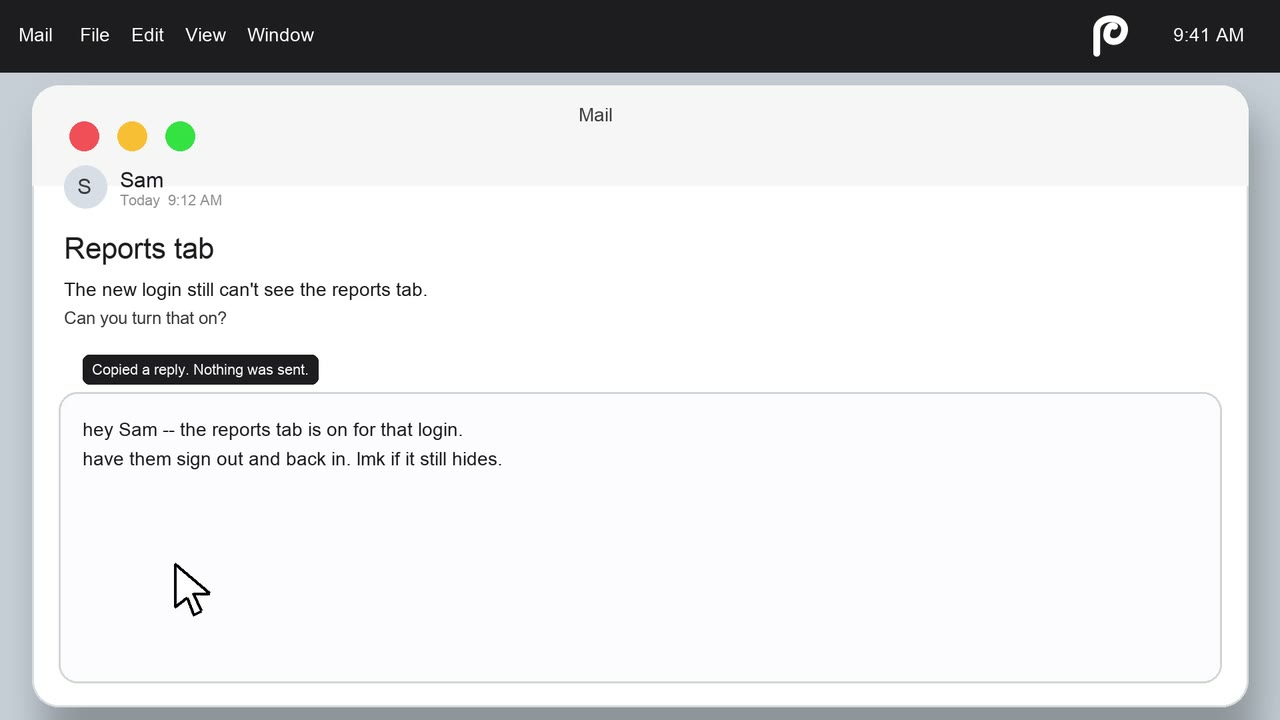
One menu click, instant drafted replies from your active window
Best product for this task

Paisty
ai
Paisty is a Mac menu-bar drafting assistant that reads your current window and uses your existing mail, chats, notes, and calendar to draft context-aware replies that you review and send yourself.
contextual-drafterreply-assistantknowledge-brainproductivityai-writingmacosknowledge-workemail-management
What to expect from an ideal product
- Paisty sits in your Mac menu bar and reads whatever window you have open, so it knows exactly what you are replying to before you type a word.
- Connect your calendar once and Paisty pulls in meeting context, attendee history, and scheduling details to draft replies that actually match the situation.
- Your sent emails and past chats train nothing and go nowhere. Paisty uses them locally to match your tone and thread history when it builds a draft.
- No copy-pasting between tabs. One click from the menu bar and Paisty drafts a reply using the live content on your screen, whether that is an email, a Slack thread, or a Notes document.
- You stay in control of every word. Paisty drafts, you review, you send. It never touches your outbox on its own.