This task can be performed using Usecomputer
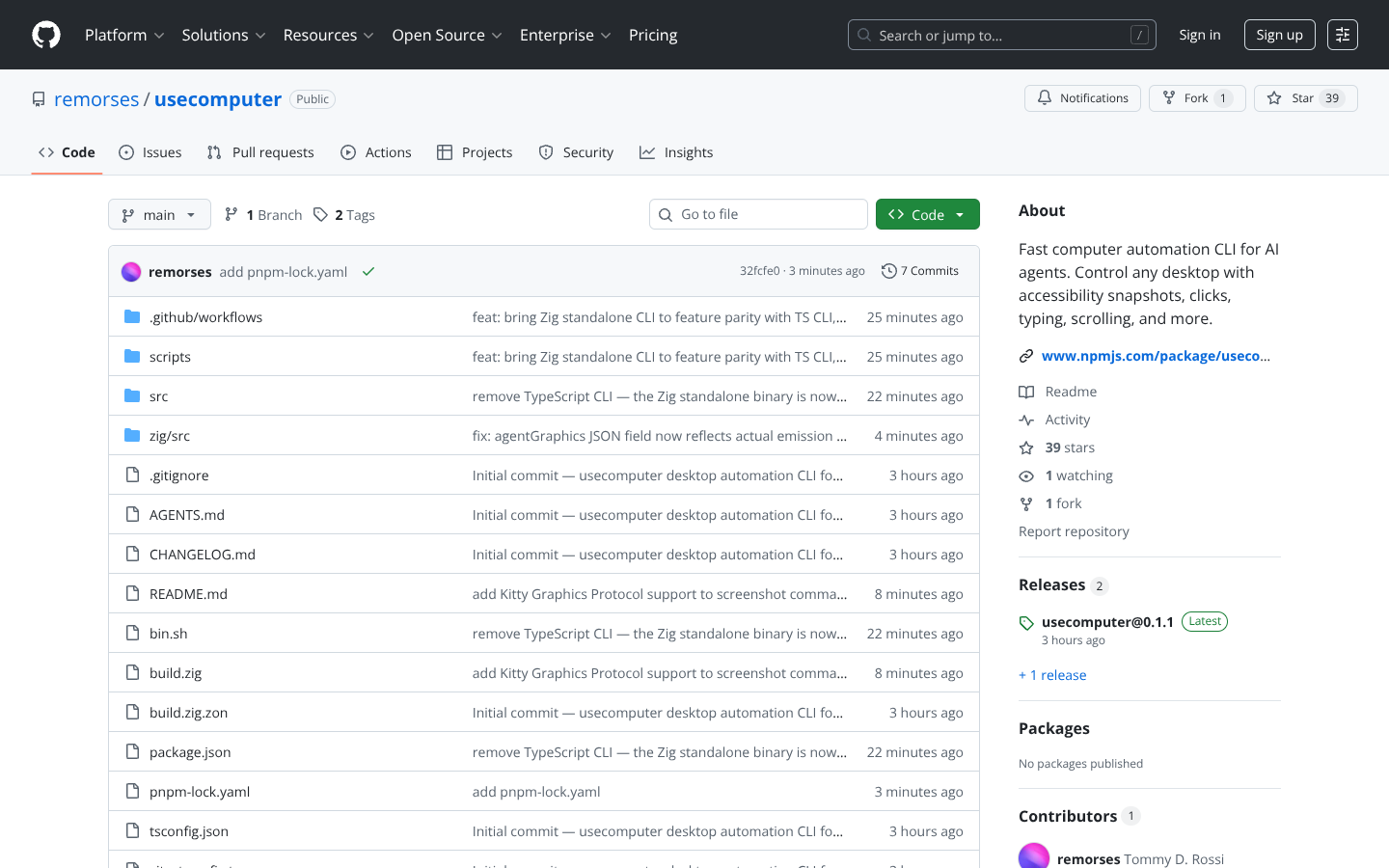
Fast computer automation CLI for AI agents. Control any desktop with accessibility snapshots, clicks, typing, scrolling, and more. - remorses/usecomputer
Best product for this task

Usecomputer
tech
Fast computer automation CLI for AI agents. Control any desktop with accessibility snapshots, clicks, typing, scrolling, and more. - remorses/usecomputer
What to expect from an ideal product
- Takes screenshots of your screen and extracts all clickable elements, text fields, and interactive components into structured data that AI can understand
- Captures the current state of applications including button locations, menu items, and form fields so automated scripts know exactly where to click or type
- Creates accessibility snapshots by scanning desktop applications and websites to identify all available actions and interface elements
- Generates real-time maps of your screen that show coordinates and properties of every interactive element for precise automation control
- Pulls accessibility information from running programs to build a complete picture of what's currently displayed and how an AI agent can interact with it

