This task can be performed using Usecomputer
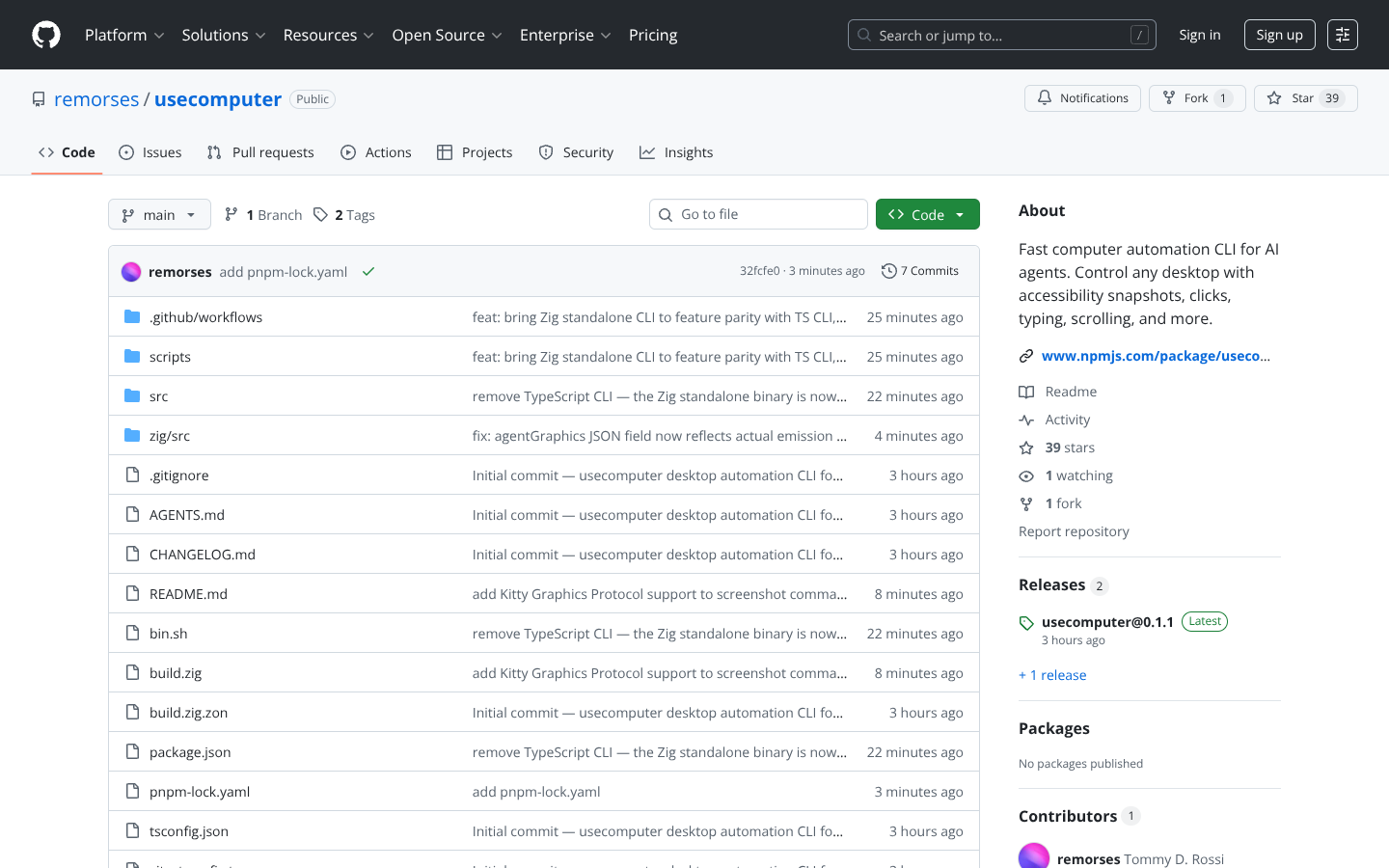
Fast computer automation CLI for AI agents. Control any desktop with accessibility snapshots, clicks, typing, scrolling, and more. - remorses/usecomputer
Best product for this task

Usecomputer
tech
Fast computer automation CLI for AI agents. Control any desktop with accessibility snapshots, clicks, typing, scrolling, and more. - remorses/usecomputer
What to expect from an ideal product
- Lets AI agents see and understand what's on your desktop screen through accessibility snapshots that capture current window states and UI elements
- Enables automated mouse clicks on buttons, links, and interface elements so agents can interact with any application without manual input
- Provides keyboard automation for typing text, entering data into forms, and executing keyboard shortcuts across different programs
- Handles scrolling actions to navigate through long documents, web pages, and application interfaces automatically
- Works as a command line tool that AI agents can call directly to control desktop applications and complete multi-step workflows

