This task can be performed using Hostdroplet-tools
Free tools for DNS, SSL, SEO, and website checks
Best product for this task

Hostdroplet-tools
dev-tools
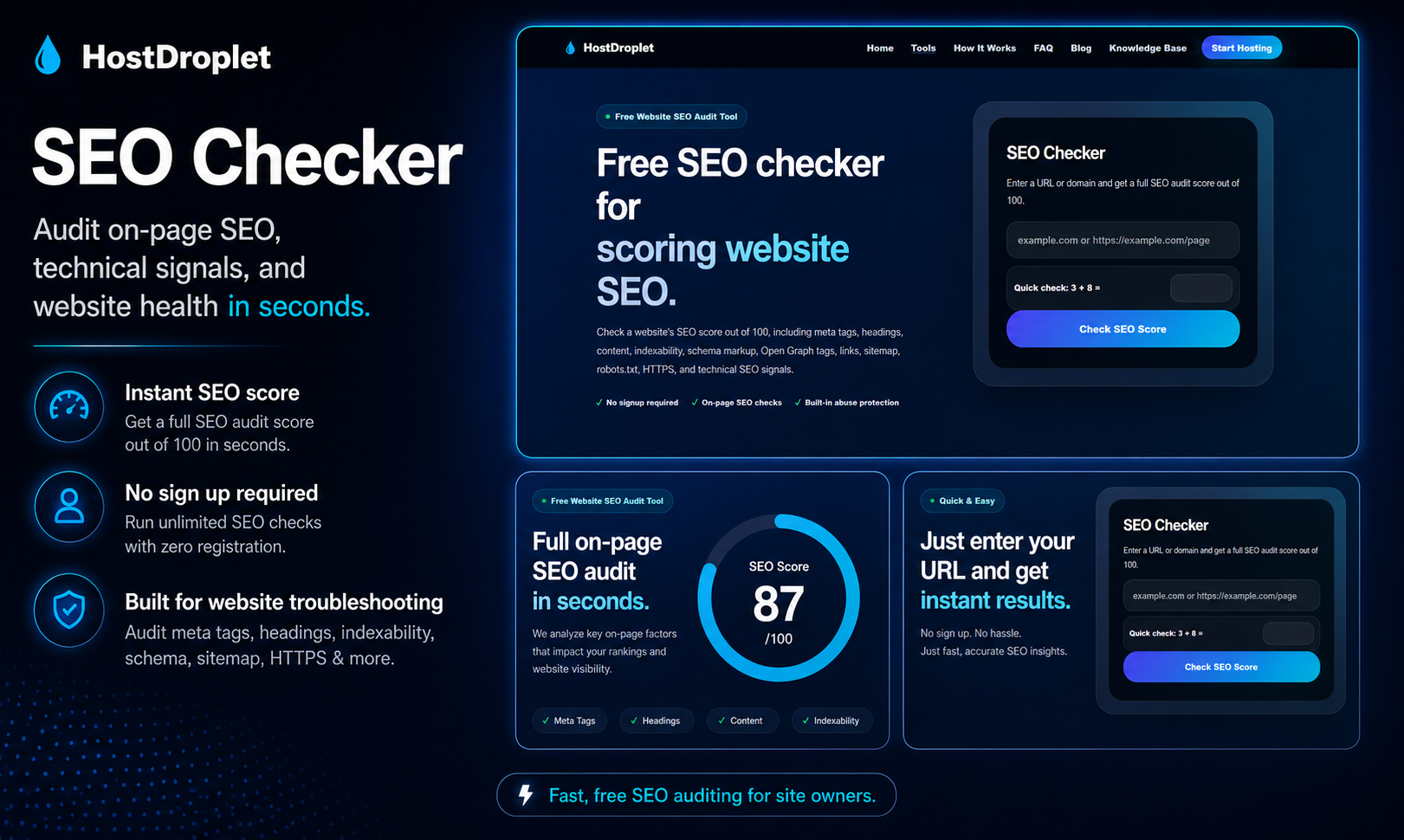
HostDroplet Tools is a free collection of website diagnostic tools for checking DNS records, SSL certificates, HTTP headers, redirects, SEO basics, email authentication, sitemap issues, robots.txt files, performance signals, and common hosting problems. It is built for website owners, developers, bloggers, agencies, and small businesses that need quick technical checks without using multiple slow or cluttered tools.
What to expect from an ideal product
- Check your SSL certificate expiration date and validity instantly without having to dig through browser security panels or use complex command-line tools
- Scan for mixed content issues that cause those annoying "not secure" warnings when HTTP resources load on HTTPS pages
- Verify your certificate chain is properly configured and trusted by major browsers before visitors encounter security errors
- Test SSL protocol versions and cipher suites to make sure you're using current security standards that browsers accept
- Get a complete overview of certificate details like issuer, domain coverage, and potential configuration problems in one simple report

